

Zorvex DMA
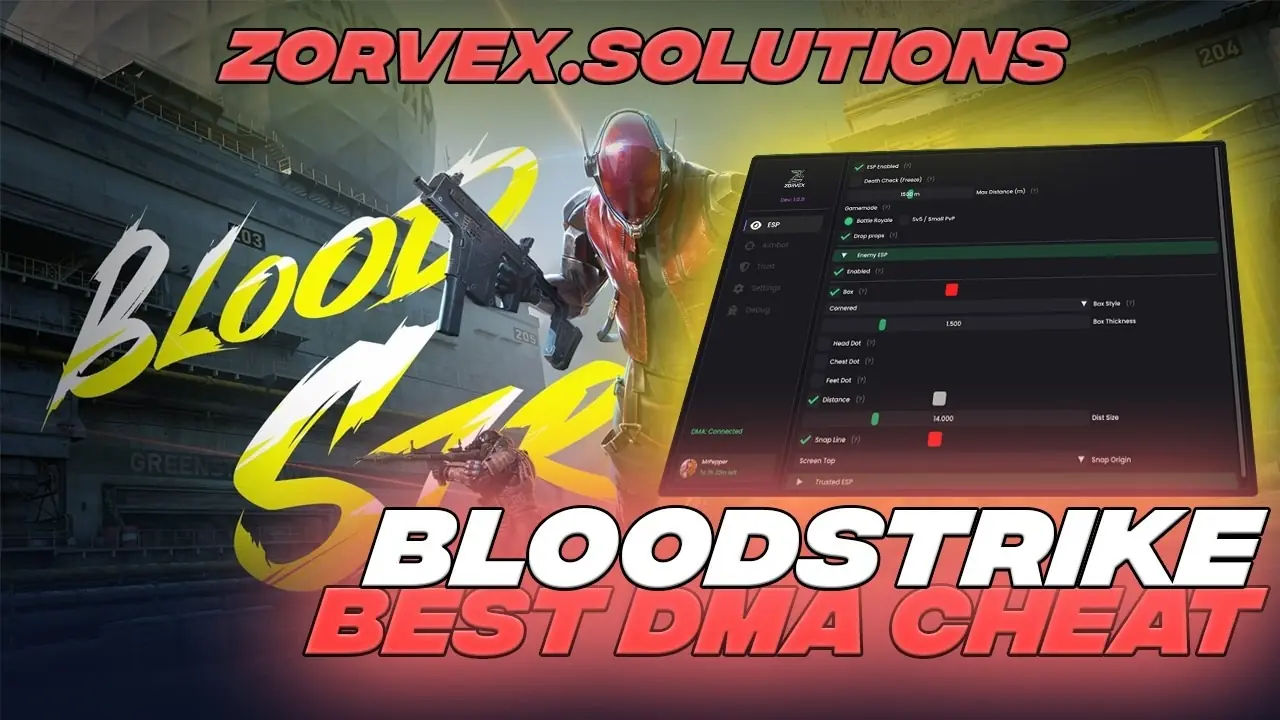
Zorvex BloodStrike DMA
BloodStrike DMA for the Steam release: ESP, aimbot, triggerbot and a trust list, in Battle Royale and 5v5.
- From $14.99
- ESP, Aim, Trigger
- Card or crypto
- Key by email
How Zorvex BloodStrike DMA works
Zorvex BloodStrike DMA runs on a second PC, not on the PC that runs Blood Strike. A DMA card with firmware, XMA or RDMA links the two PCs, the software reads the game from there and draws the ESP on the second screen or through a fuser, and aim features move your mouse through an input device such as a MAKCU or KMBox.
What you need
New to DMA? Start with the beginner guide · DMA cards · Firmware · DMA guides
Watch Zorvex BloodStrike DMA in action
Other Blood Strike DMA options
Compare Zorvex BloodStrike DMA with every other Blood Strike product we sell:
- Zorvex Master Package from $70.99
- Rie Blood Strike from $20.00
All Blood Strike licenses · Blood Strike DMA guide · Product status
Zorvex BloodStrike DMA questions
How much does Zorvex BloodStrike DMA cost?
7 days: $14.99, 30 days: $23.99, 90 days: $52.99. Prices start at $14.99.
What features does Zorvex BloodStrike DMA have?
BloodStrike DMA for the Steam release: ESP, aimbot, triggerbot and a trust list, in Battle Royale and 5v5. In short: esp, aim and trigger features. The full list is on this page.
Is Zorvex BloodStrike DMA working right now?
Yes, Zorvex lists it as available today. After big game updates a product can pause for a while; the Product status page shows the latest.
What do I need for Zorvex BloodStrike DMA?
DMA hardware is required: a second PC plus a DMA card with firmware, or RDMA. Aim and trigger move your mouse through a MAKCU, KMBox, Ferrum or Arduino. After payment you get a Zorvex key by email. Sign in to the Zorvex customer panel, redeem it and download the build on your second PC. One PC per key: Zorvex keys are tied to your hardware. Confirm your exact hardware and firmware with Private Solutions before ordering.
Does Zorvex BloodStrike DMA come with a DMA card?
No. The key is the software. You also need a DMA card with firmware, XMA or RDMA to link your second PC. We sell all three and can check your PC first.
Which input devices work with Zorvex BloodStrike DMA?
MAKCU, KMBox and Ferrum are supported for aim input. We sell MAKCU and KMBox-style devices too.
Do I need a fuser for Zorvex BloodStrike DMA?
No. Without a fuser you watch the ESP on the second PC's screen. A fuser puts it over your game on the main monitor. See our fuser guide, or ask on Discord which fits your monitor.
What happens when Blood Strike updates?
Zorvex updates the software after game patches. While it is being updated the Product status page shows it as updating, and your key keeps running as normal.
Does Zorvex BloodStrike DMA work on PS5 or Xbox?
No. DMA works with Windows PCs only.
Can I pay by card?
Yes. Card, Apple Pay and Google Pay through Stripe, or crypto, at checkout. PayPal works in a Discord ticket.
How do I get my Zorvex BloodStrike DMA key?
Pay by card or crypto at checkout. Your key is sent by email and shows on your My orders page.
Can I get a refund?
Keys cannot be refunded once they are activated. If a key we send will not activate, open a Discord ticket and we replace it.