
I already have a DMA card
Firmware
$79 one-timeYour card needs firmware made for the games you play. Basic firmware covers Call of Duty, Rainbow Six and Battlefield 6.
See firmwareNew to DMA
A DMA setup uses two PCs: your gaming PC runs the game and a second PC runs the DMA software. This page explains the three ways to link them, what each one costs, and how to get playing, in plain words.
I already have a DMA card
Your card needs firmware made for the games you play. Basic firmware covers Call of Duty, Rainbow Six and Battlefield 6.
See firmwareI don't have a card
Your motherboard does the job of the card, so there is nothing to buy or plug in. Usually running about 24 hours after we approve your PC.
See XMAI want to link my two PCs by network
No DMA card. The two PCs talk over a network link, with our step-by-step setup guide. $79 a month.
See RDMAI want my own card
75T, 100T and Pro cards, plus starter kits with everything in one box. Add firmware for your games.
See hardwarePlay on PS5 or Xbox? DMA is PC only. Spectra 2PC AI works from your capture card feed on a second PC, from $15.00. See what you need for console.

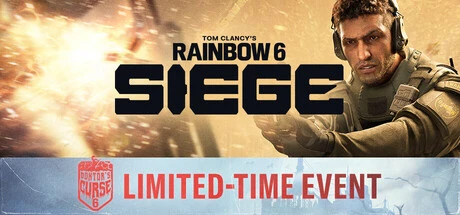
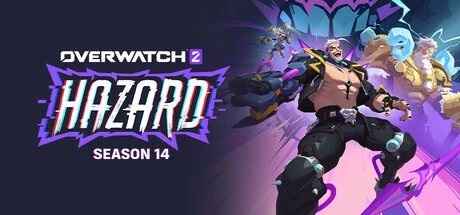
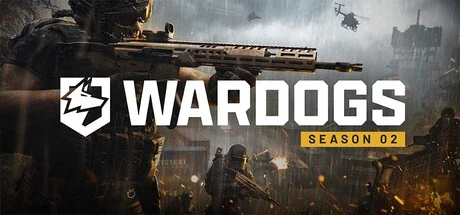
See all 45 games · New Call of Duty? MW4 DMA
Open a ticket in our Discord and tell us your parts. We tell you which setup fits before you pay anything.
A DMA card with firmware, XMA or RDMA. The cards above show what each one costs.
Pick your game above and choose a key. Start with a short plan (1 or 7 days) to try it.
Card, Apple Pay and Google Pay or crypto on the website. PayPal in a Discord ticket.
Follow the setup guide that comes with your order (RDMA has a step-by-step checklist). Stuck? Our team helps you in the ticket.
DMA (direct memory access) setups use two PCs. Your gaming PC runs the game, and a second PC runs the DMA software and reads the game data. The two PCs are linked by a DMA card, by XMA (your motherboard) or by RDMA (a network link).
Yes. Every DMA setup uses a second PC that runs the software. It does not need to be a gaming PC; open a Discord ticket and we tell you if yours is enough.
If you already have a DMA card, firmware starts at $79 one-time. Without a card, RDMA starts at $10 a day and XMA at $69 a month. Then add a license for your game; Call of Duty starts at $10.00.
A DMA card goes in your gaming PC and needs firmware (card from $119, firmware from $79). XMA does the same job with your motherboard, so there is no card to buy (from $69 a month). RDMA links the two PCs over the network (from $79 a month).
No, DMA is PC only. For console players we sell Spectra 2PC AI, which runs on a second PC and works from your capture card feed (from $15.00). You also need a Titan Two or Xim Matrix and a Makcu.
The DMA software for your game. You buy it as a key on our website, for a day, a week, a month or longer. Some keys, like Rie DMA All in one, cover 30+ games.
Game licenses and RDMA: card (Apple Pay and Google Pay too) or crypto on the website, or PayPal in a Discord ticket. Firmware: crypto on the website, or other options in a ticket. Hardware: send an order request on the website and pay in a ticket. XMA: apply in a ticket. License keys arrive by email after payment, instantly when they are in stock.
Not once a key has been activated. That is why we check your PC in a Discord ticket before you pay.