
BellTower Available
BellTower Beasts of Bermuda
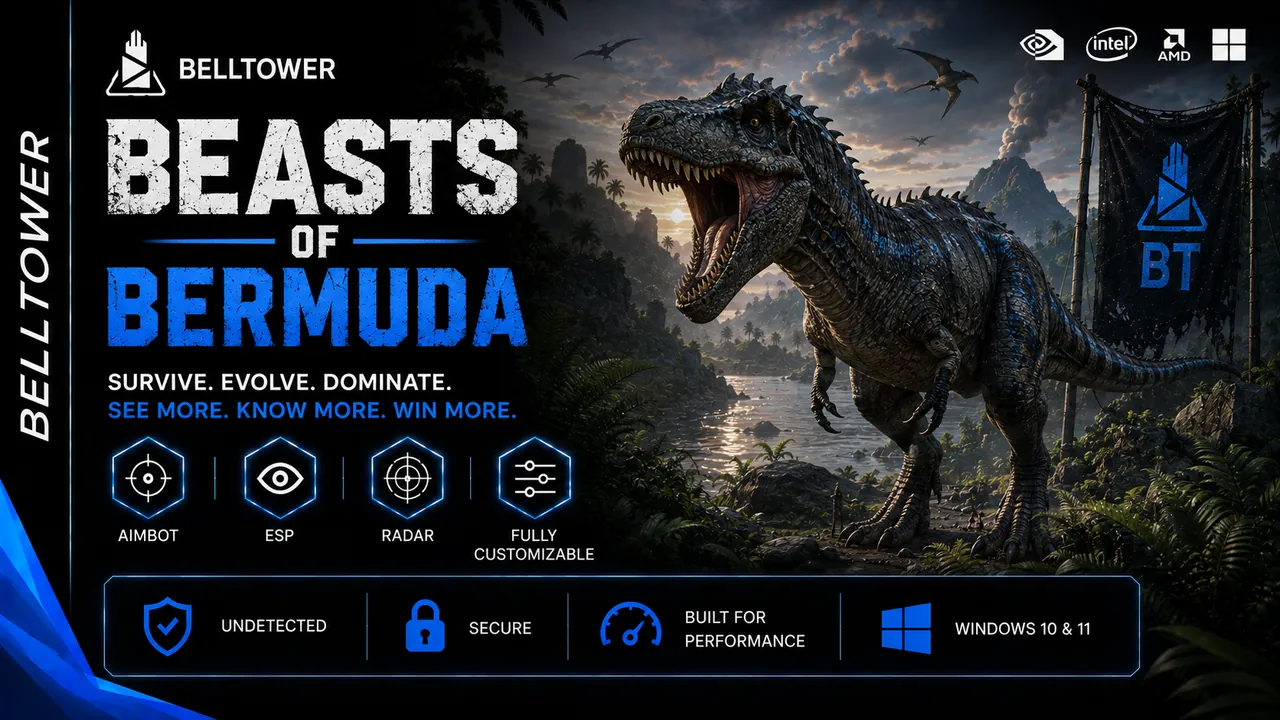
BellTower's software for Beasts of Bermuda: player and creature ESP, world ESP for food and dead creatures, a radar, an on-screen overlay and survival features.
- From $1.99
- ESP, Radar
- Card or crypto
- Key by email
How BellTower Beasts of Bermuda works
BellTower Beasts of Bermuda runs on the same PC as Beasts of Bermuda, so you need no DMA card and no second PC. Your BellTower key is emailed right after payment: build your client from your key, run the loader as administrator, enter your key and load Beasts of Bermuda, then start the game and the menu opens by itself.
BellTower setup guide: every step from your key to playing.
What you need
BellTower Beasts of Bermuda questions
How much does BellTower Beasts of Bermuda cost?
1 hour: $1.99, 1 day: $3.99, 7 days: $9.99, 30 days: $29.99, 90 days: $74.99. Prices start at $1.99.
What features does BellTower Beasts of Bermuda have?
BellTower's software for Beasts of Bermuda: player and creature ESP, world ESP for food and dead creatures, a radar, an on-screen overlay and survival features. In short: ESP and radar features. Its feature list covers Player and Creature ESP, Radar, World ESP, Overlay, Miscellaneous and Menu and Settings, all on this page.
Is BellTower Beasts of Bermuda working right now?
Yes, BellTower lists it as available today. After big game updates a product can pause for a while; the Product status page shows the latest.
What do I need for BellTower Beasts of Bermuda?
Runs on your gaming PC: no DMA card or second PC needed. The latest Windows 11 (64-bit), Intel or AMD CPU, standard Windows install (no custom OS), display scaling at 100%. Instant delivery: your key is emailed right after payment and shown under My orders. You build your own BellTower client from your key, then run the loader as administrator and enter your key. Steam games: turn the Steam overlay on. Turn off overlays like NVIDIA Overlay, Overwolf and ReShade, and G-SYNC / FreeSync. Our BellTower setup guide walks you through every step: privatesolution.org/belltower/setup/.
What happens when Beasts of Bermuda updates?
BellTower updates the software after game patches. While it is being updated the Product status page shows it as updating, and your key keeps running as normal.
Can I try BellTower Beasts of Bermuda first?
Yes. The 1 day key costs $3.99, so you can try it before a longer plan.
Does BellTower Beasts of Bermuda work on PS5 or Xbox?
No. It runs on Windows PCs only.
Can I pay by card?
Yes. Card, Apple Pay and Google Pay through Stripe, or crypto, at checkout. PayPal works in a Discord ticket.
How do I get my BellTower Beasts of Bermuda key?
Pay by card or crypto at checkout. Your key is sent by email and shows on your My orders page.
Can I get a refund?
Keys cannot be refunded once they are activated. If a key we send will not activate, open a Discord ticket and we replace it.
More BellTower
- All BellTower products
- BellTower Rob Run
- BellTower Wardogs
- BellTower ARC Raiders
- BellTower The Isle
- BellTower Rust
- BellTower Gray Zone Warfare
- BellTower Aniimo
- BellTower ARK: Survival Ascended
- BellTower ARK: Survival Evolved
- BellTower Arma Reforger
- BellTower Conan Exiles
- BellTower DayZ
- BellTower Dead by Daylight
- BellTower Escape from Tarkov
- BellTower Farlight 84
- BellTower Hell Let Loose: Vietnam
- BellTower Hunt: Showdown
- BellTower Palworld
- BellTower SMITE 2
- BellTower War Thunder
- BellTower Pro Package
- All game licenses