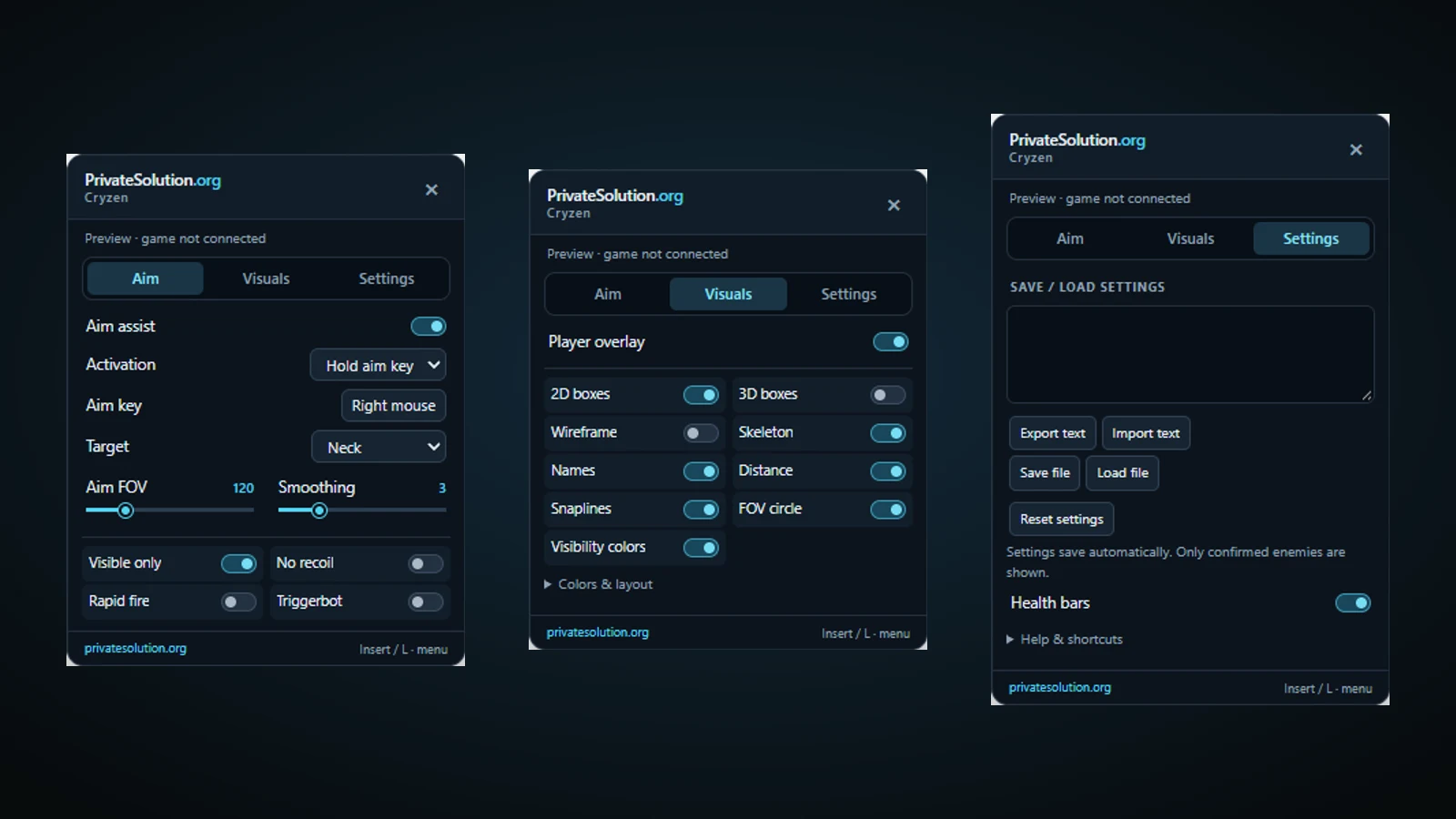
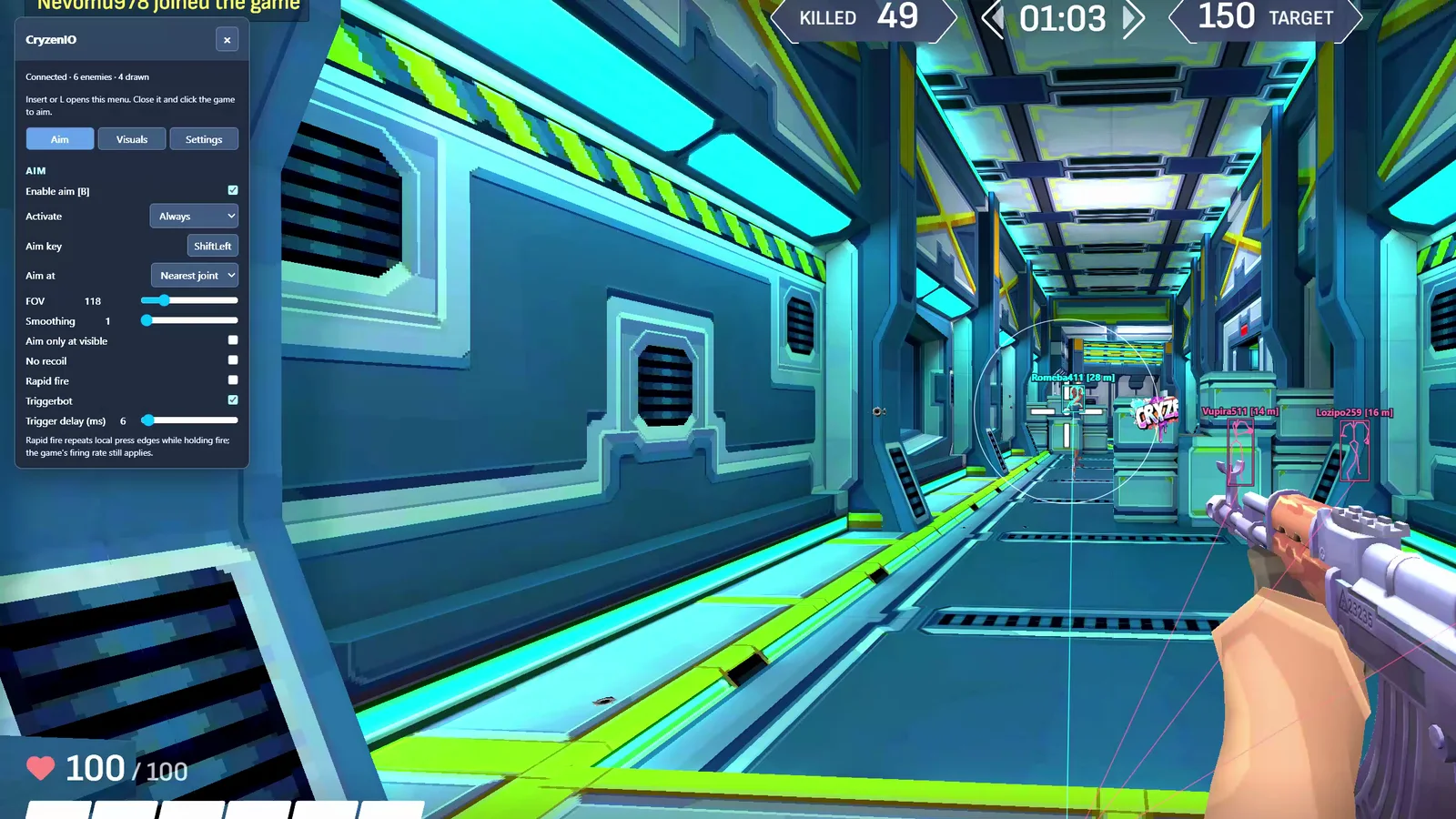
Looking for a Cryzen.io script or software download? Private Solutions uses a licensed Chrome extension with a Windows setup companion. You do not paste a script into DevTools or add a second Tampermonkey loader. This guide explains the current installation path for cryzen.io.
Install the shared Chrome extension. On 64-bit Windows, open the setup guide and run Private Solutions setup. In chrome://extensions, enable Developer mode, choose Load unpacked and paste the folder path copied by setup. This is an unpacked extension, not a Chrome Web Store listing.
Activate the Cryzen.io license. Paste your CRY- key on the activation page and press Play. A game-specific license is required: the shared extension supports four games, but buying one game's key does not unlock the other three.
Join a match and open the menu. Open cryzen.io, join and spawn, allow mouse capture if prompted, then press Insert. Aim, Visuals and Settings are in the in-game menu. Keep the same Chrome profile to retain saved keys and settings.
Let the companion manage updates. Managed installs check for signed updates through the Windows companion and apply them between sessions when game tabs are closed. A standalone extension ZIP needs manual updates unless it is the companion-managed folder.
Resolve conflicting scripts first. Disable old copies of the extension and duplicate Tampermonkey userscripts. If the menu does not appear, use Open setup and read the connection or license status before reinstalling. Never install multiple copies to try to force a connection.
Recorded footage shows the build used in the recording. Read the current feature notes and setup guide for present requirements.
Cryzen.io questions
Is this a Cryzen.io Tampermonkey script?
The supported shared setup is a Chrome extension. Older userscripts are not the installation path described here. Disable duplicate loaders before activating the extension.
Does one license unlock all four games?
No. Cryzen.io uses a CRY- key. The extension is shared, but each game needs its own license.
Do I need to send a machine ID?
The current shared browser setup does not ask you to send a machine ID. Use the activation page in the Chrome profile where you intend to play.
What should I check before buying?
Cryzen can reject a modified or conflicting browser session. Keep one active Private Solutions extension, disable older duplicate scripts and follow the current setup guide. Read the current product status and setup guide. The shortest listed plan is 1 hour for $1.99; a timed plan is not a free download.