
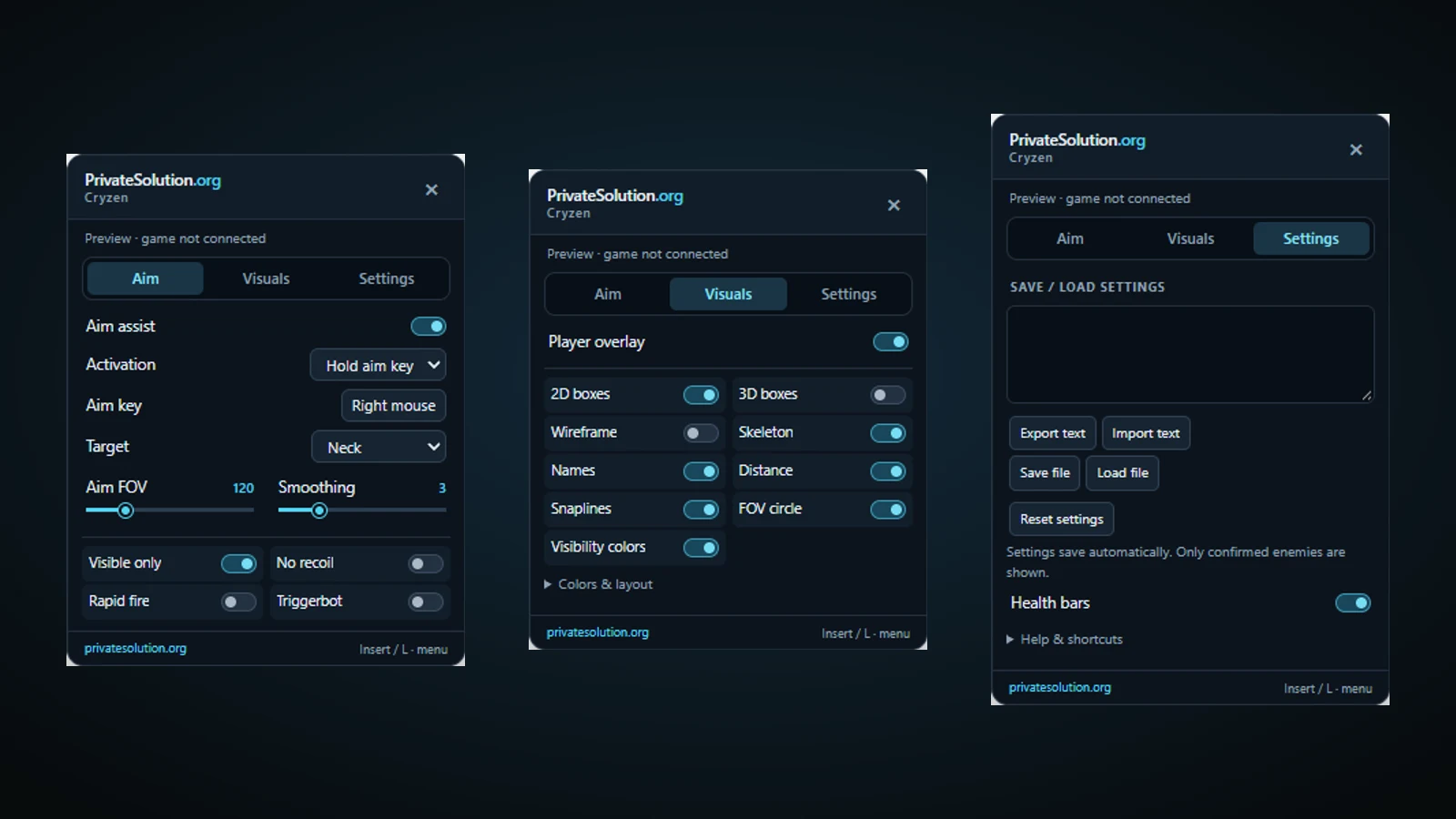
cryzen.io · Private Solutions
Cryzen.io Aim assist & aimbot
The Cryzen.io aim assist moves your view toward a selected player. Often searched for as an aimbot, it is part of Cryzen.io Aim + ESP. FOV, target point and smoothing determine selection and movement; triggerbot controls firing separately.
Recorded Cryzen.io gameplay
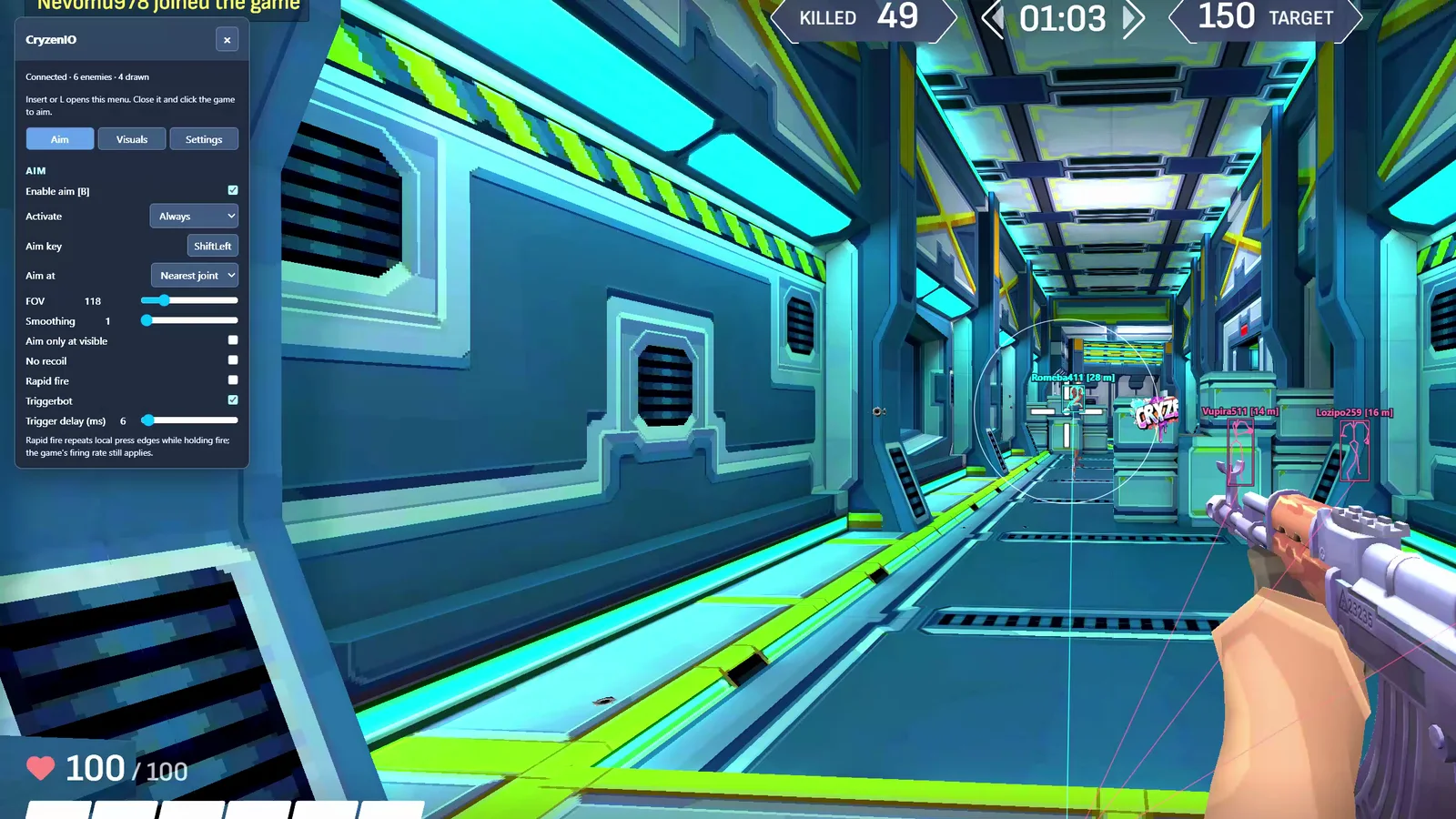
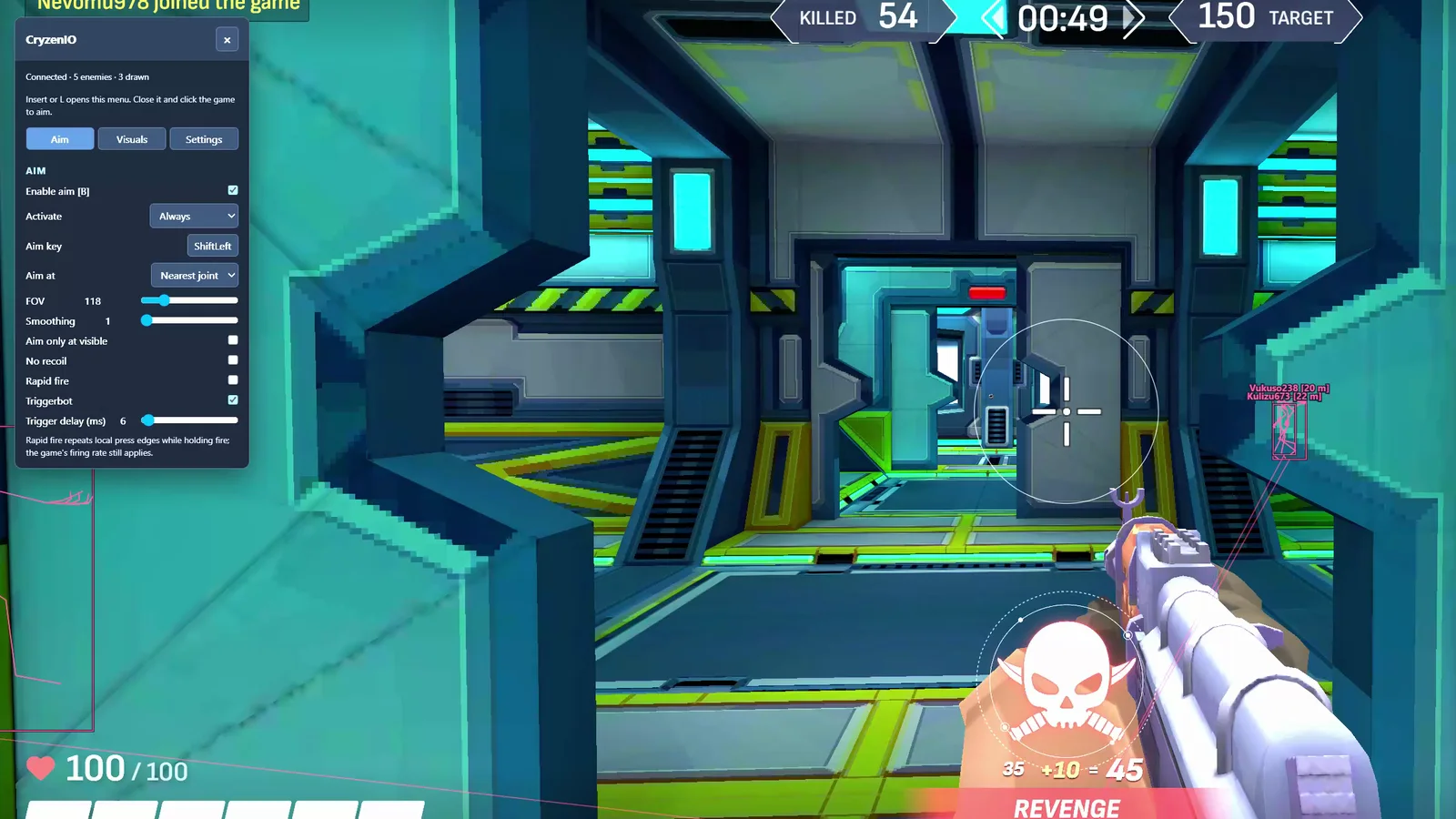
Recorded footage shows the build used in the recording. Read the current feature notes and setup guide for present requirements.
Cryzen.io questions
How does Cryzen.io aim assist select targets?
The FOV slider sets how far from the crosshair aim assist searches. Smoothing controls how quickly it follows the chosen target. Change one setting at a time so you can see its effect.
Is aim assist the same as triggerbot?
No. Aim assist moves the camera toward a target. Triggerbot sends firing input when its target condition is met; it has a separate switch.
What should I know about this build?
Cryzen can reject a modified or conflicting browser session. Keep one active Private Solutions extension, disable older duplicate scripts and follow the current setup guide.
Is aim sold separately from ESP?
No. Aim and ESP are in the same Cryzen.io product. The plan duration changes access time, not the feature list.