
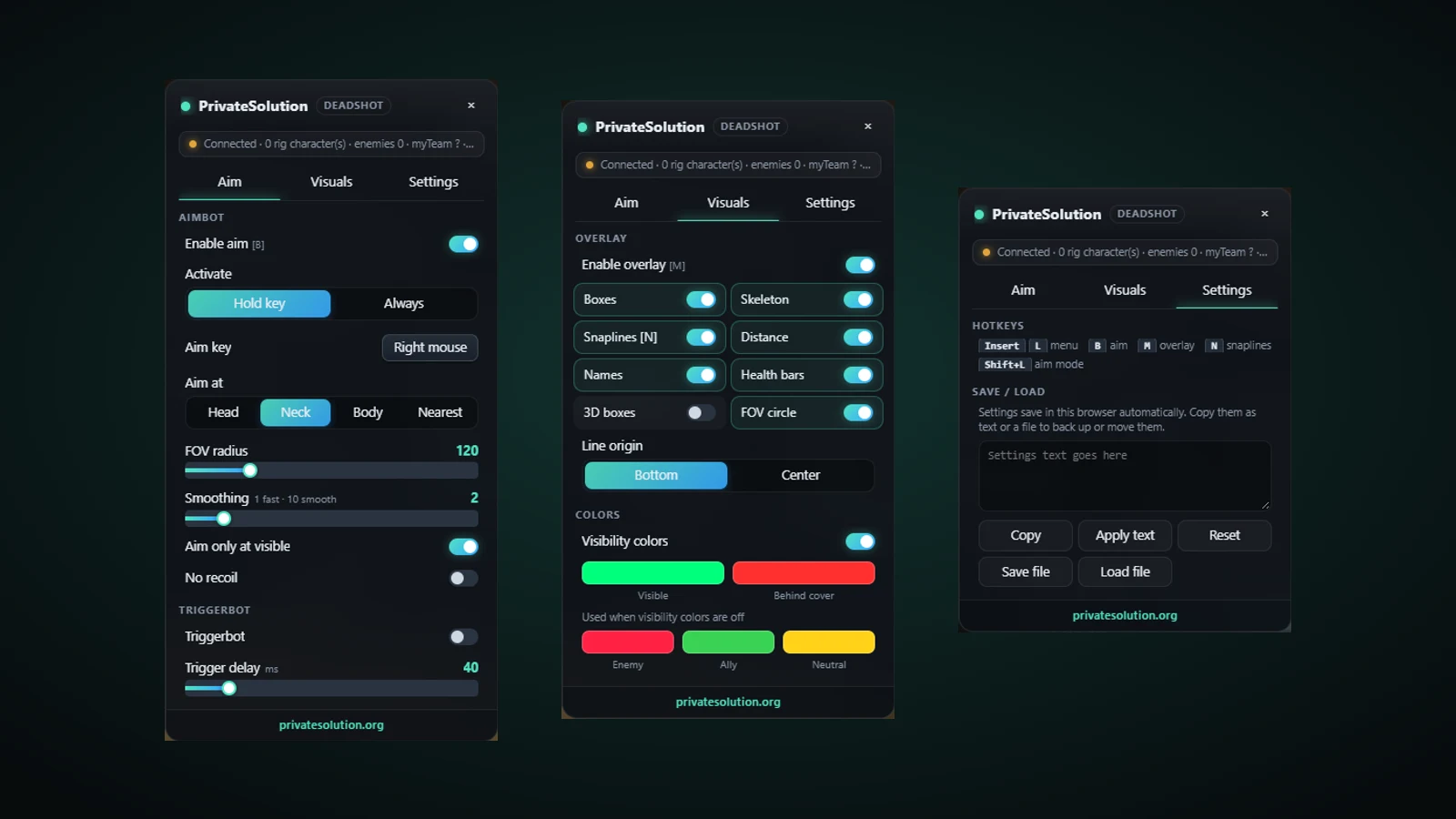
deadshot.io · Private Solutions
Deadshot.io DMA or browser software?
Searching for Deadshot.io DMA? The Deadshot.io Aim + ESP listing is browser software, not a DMA product. It runs with Chrome on the same Windows computer used to play deadshot.io. A DMA card, custom card firmware and a second PC are not requirements for this product.
Recorded Deadshot.io gameplay
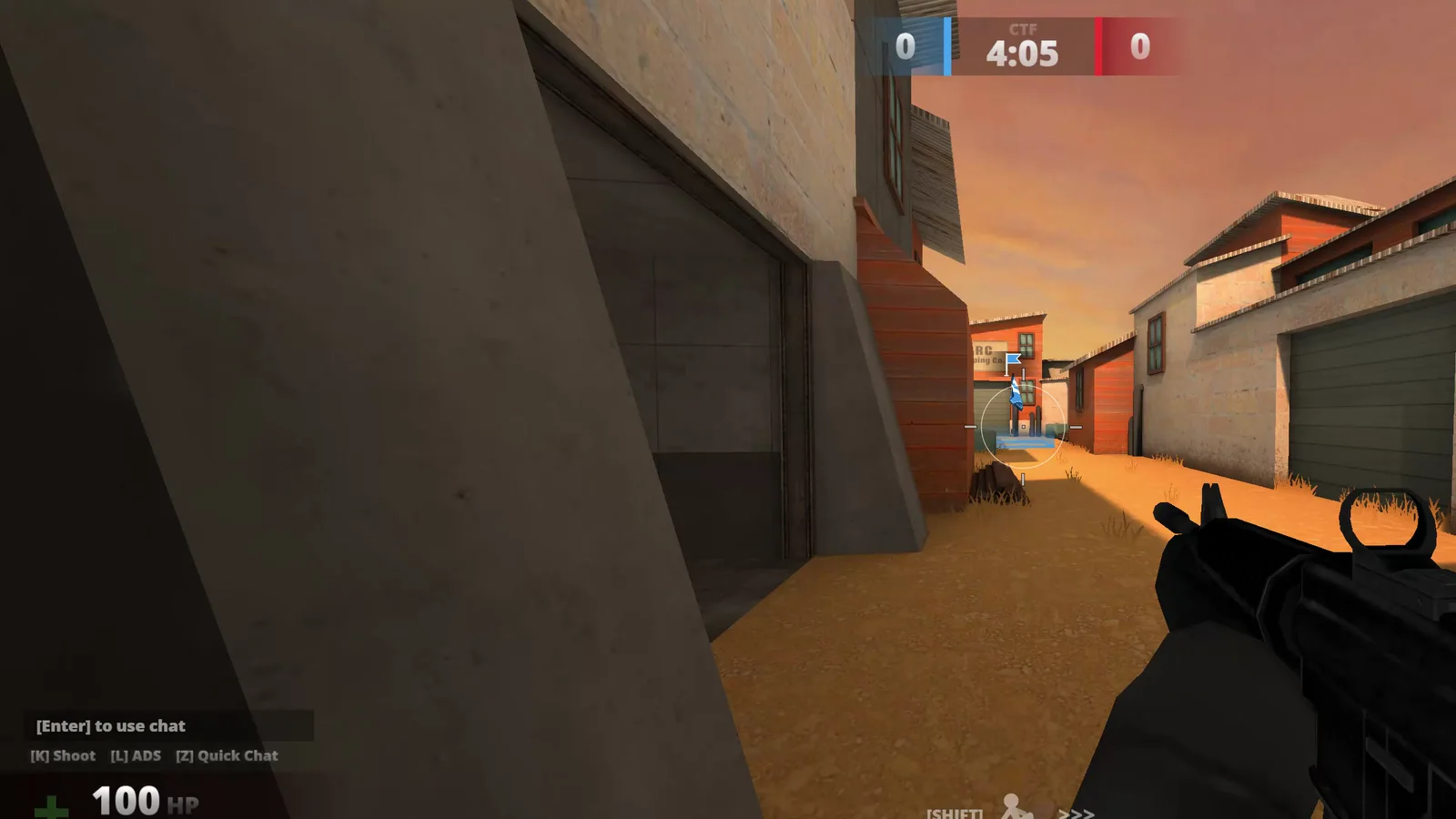
Recorded footage shows the build used in the recording. Read the current feature notes and setup guide for present requirements.
Deadshot.io questions
Do you sell Deadshot.io DMA here?
This page documents Deadshot.io Aim + ESP, the Chrome software product. It does not offer a Deadshot.io DMA package or claim DMA compatibility.
Do I need a DMA card or second PC?
No. Use a Windows desktop with Google Chrome, internet access and the correct game license. Hardware products sold elsewhere on this site are separate purchases.
Can I use a DMA license to activate this extension?
No. Activate Deadshot.io with its own PS- key. Other hardware, firmware and game licenses are separate.
Where can I confirm the current setup?
Use the Deadshot.io setup guide linked below and check product status before purchasing. Browser game changes can require an adapter update.