Rust Cheats und Hacks für den PC: DMA und Software
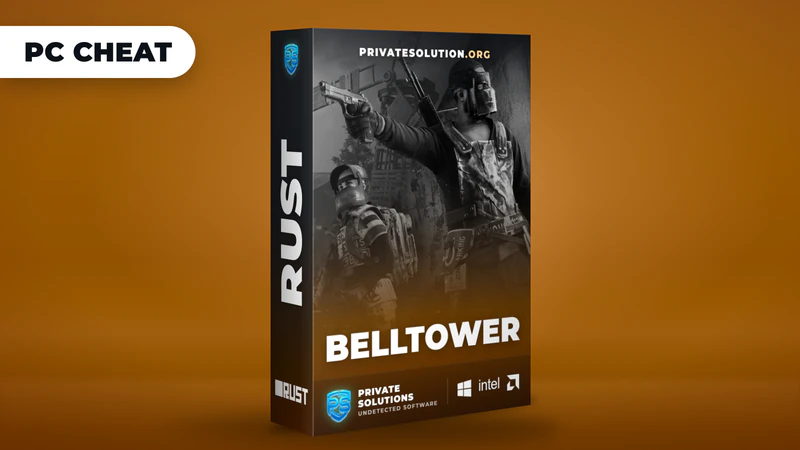
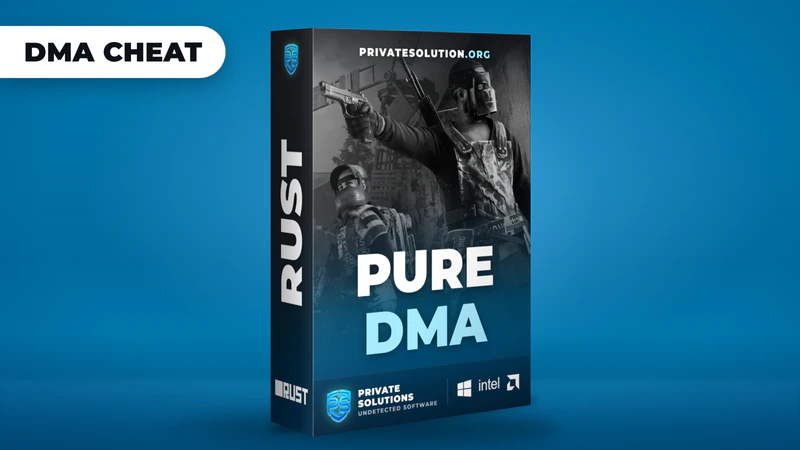
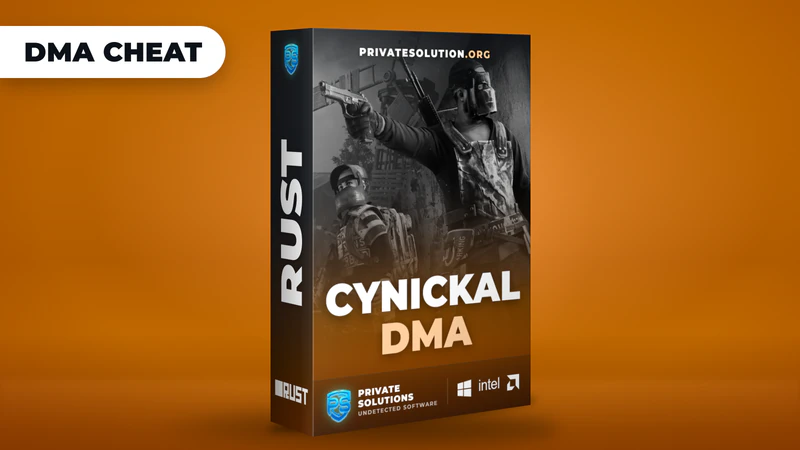
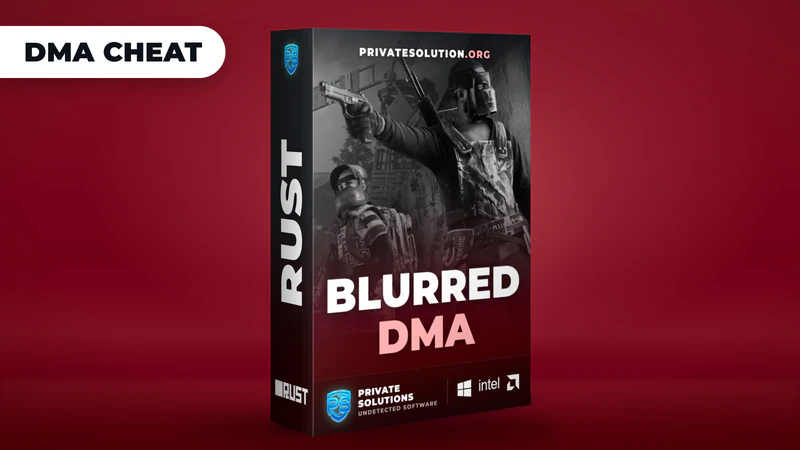
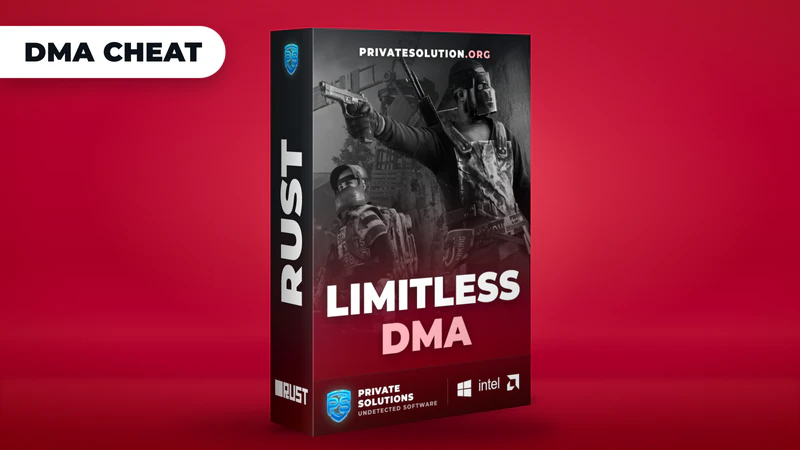
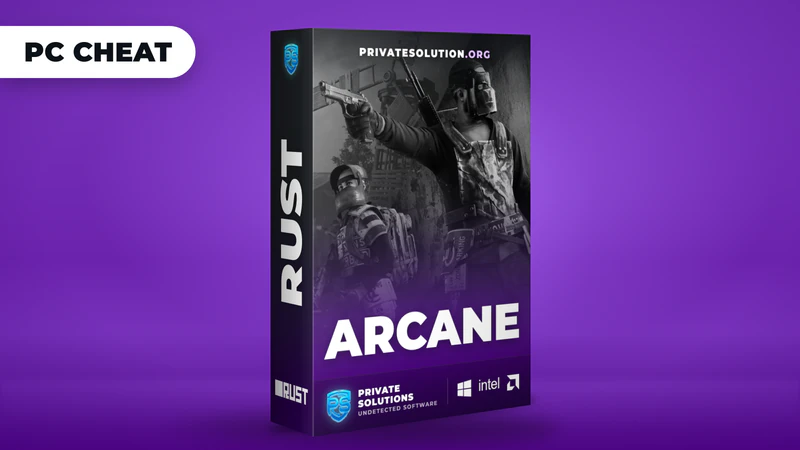
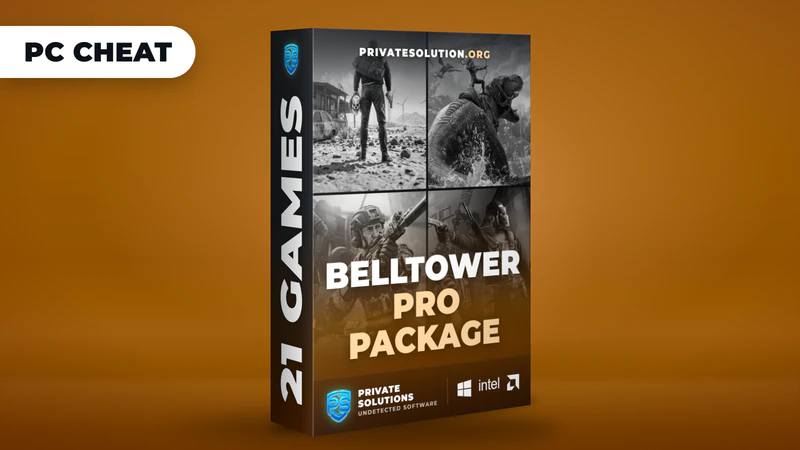
Vergleiche jedes Rust PC-Tool, das wir verkaufen, an einem Ort. BellTower Rust (ab $1.99) und Arcane Rust (ab $6) laufen als Software auf deinem Gaming-PC, ohne zusätzliche Hardware. Pure Rust DMA (ab $4.99), CyNickal (ab $10), Blurred (ab $24.99) und Limitless (ab $8) laufen auf einem zweiten PC, verbunden über eine DMA-Karte.
PC-Software ohne DMA-Karte: BellTower ab 1 Stunde, Arcane ab 1 Tag
DMA auf einem zweiten PC: Pure, CyNickal, Blurred und Limitless
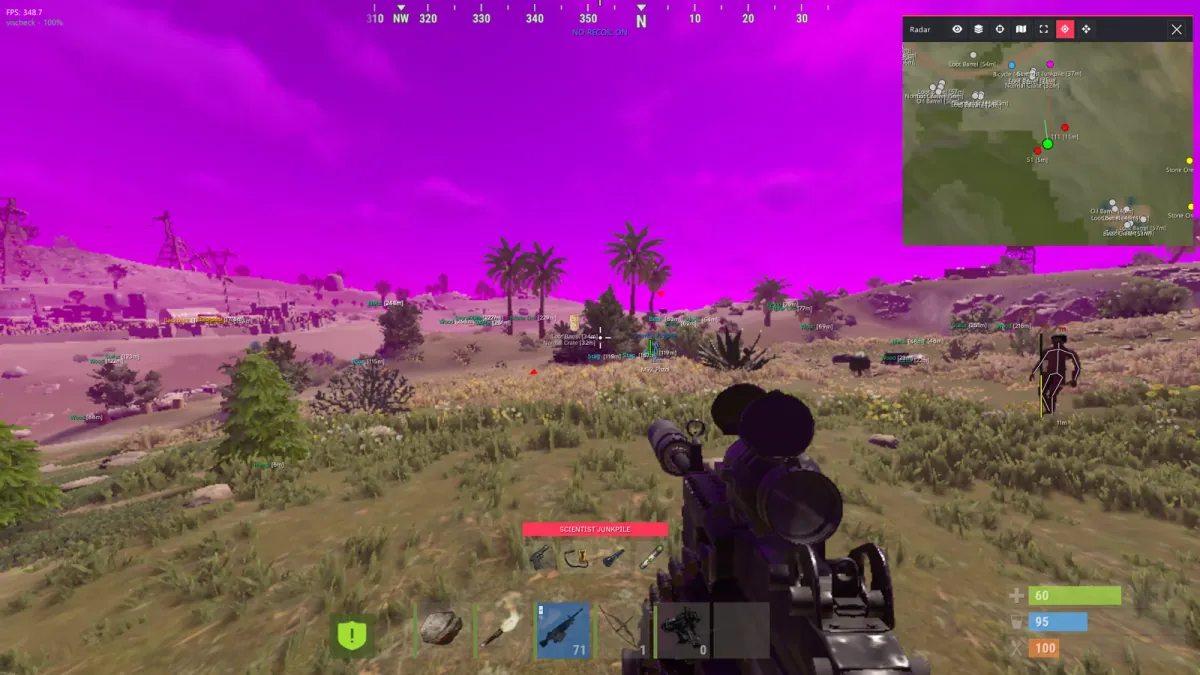
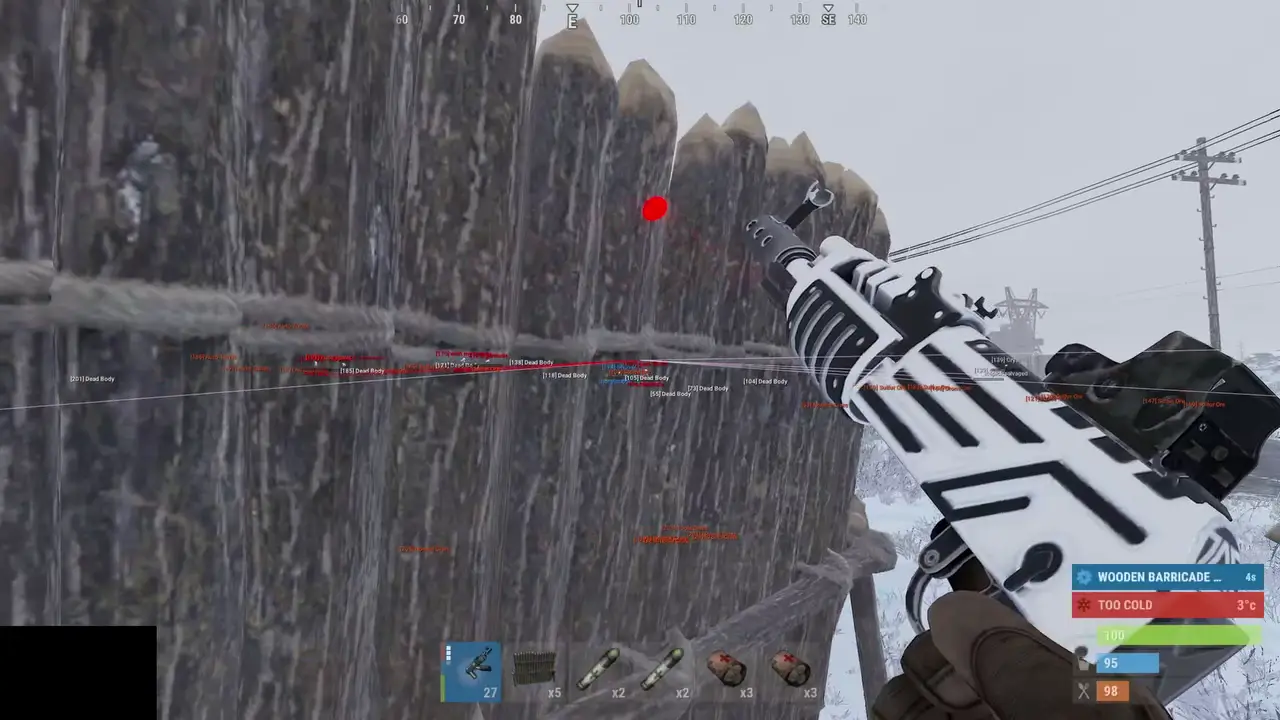
ESP für Spieler, Schläfer, Schwefel, Kisten, Geschütztürme und Tool Cupboard
Kartenradar, Web-Radar, Aim- und Recoil-Optionen je nach Produkt
Auch gesucht als: rust cheats, rust hacks pc, rust pc cheats, rust dma cheats, rust cheats kaufen, rust wipe day esp.
BellTower Rust (ab $1.99) und Arcane Rust (ab $6) laufen direkt auf deinem Windows-Gaming-PC, sodass du mit einem 1-Stunden- oder 1-Tage-Key ohne zusätzliche Hardware starten kannst.
Pure Rust DMA (ab $4.99), CyNickal (ab $10), Blurred (ab $24.99) und Limitless (ab $8) laufen auf einem zweiten PC und lesen Rust über eine DMA-Karte mit EAC-Firmware aus. Blurred hält Aim und Recoil nur lesend und ergänzt Web-Radar und den Basis-Export nach Fortify; CyNickal richtet sein Radar am rustmaps-Seed deines Servers aus.
Rust DMA Limitless und Arcane Rust werden nach einem Spiel-Patch aktualisiert. Preise und Bestand können sich ändern; der Checkout zeigt vor dem Bezahlen immer den aktuellen Preis. Kein Cheat ist risikofrei, also prüfe den Status und frag uns auf Discord, bevor du kaufst. Produktstatus
Weitere Rust Produkte
Alle anderen Rust Produkte, die wir verkaufen, auch Pakete für mehrere Spiele. Jede Karte zeigt, wie das Produkt läuft und was es kostet.
Für die DMA-Tools: eine DMA-Karte mit Firmware in deinem Gaming-PC und ein zweiter PC mit Windows 10 oder 11, auf dem die Software läuft (CyNickal verlangt mindestens 8 GB RAM).
Ein Fuser, nur wenn du das Overlay auf deinem Spielbildschirm willst. CyNickal empfiehlt eine Aufnahme mit 1080p60 oder besser.
Ein MAKCU oder eine KMBox ist optional, für die Aim-Eingabe.
Für BellTower Rust: läuft auf deinem Gaming-PC, keine DMA-Karte und kein zweiter PC nötig. Aktuelles Windows 11 (64-Bit), Intel- oder AMD-CPU, normale Windows-Installation (kein angepasstes OS), Anzeigeskalierung auf 100 %.
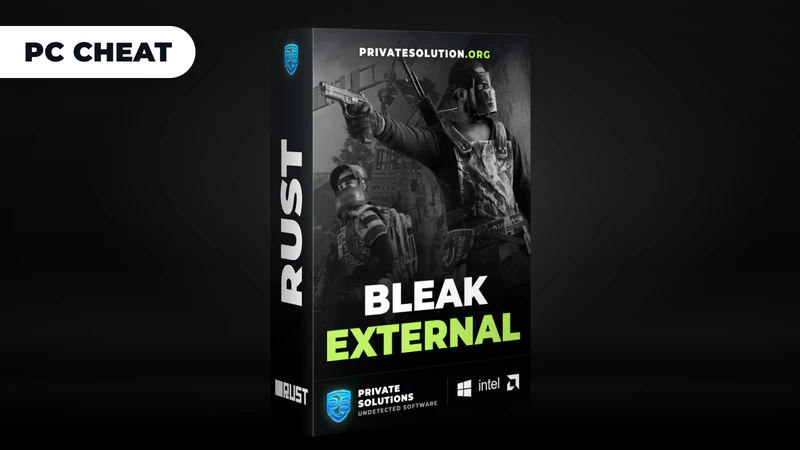
Für Bleak Rust: Läuft auf deinem Gaming-PC, keine DMA-Karte und kein zweiter PC nötig. Windows 10 oder 11 mit aktiviertem Discord-Overlay.
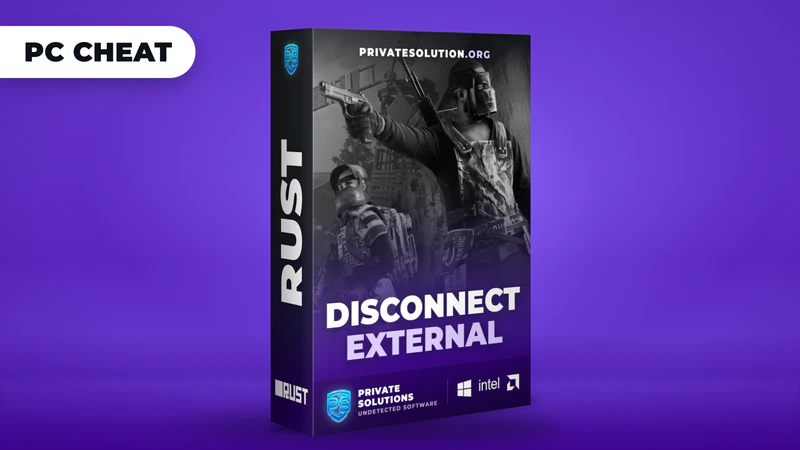
Für Disconnect Rust External: Läuft auf deinem Gaming-PC, keine DMA-Karte und kein zweiter PC nötig. Windows 10 oder 11, Intel- oder AMD-CPU.
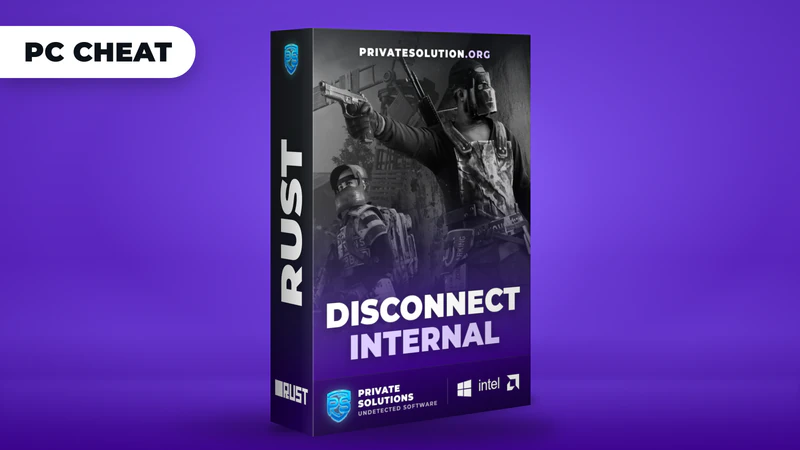
Für Disconnect Rust Internal: Läuft auf deinem Gaming-PC, keine DMA-Karte und kein zweiter PC nötig. Windows 10 oder 11, Intel- oder AMD-CPU.
Für Arcane Rust: läuft auf deinem Gaming-PC, keine DMA-Karte und kein zweiter PC nötig. Windows 10 oder Windows 11 (64-Bit) mit einer Intel- oder AMD-CPU.
Battle mode and mode key, first and second menu key, disable writing memory, unload
Configs: settings, open configs folder, new, default, delete
HOW IT RUNS
External: runs on your gaming PC, no DMA card or second PC
Windows 10 and 11, Intel or AMD
Disconnect Rust External feature guide
AIMBOT & COMBAT
Aimbot
Silent Aim
Custom Hitbox Selection
Aim Smoothing
Adjustable Aim FOV
Adjustable Hitchance
Target Teammates
Target Wounded Players
FOV Circle
Target Line
Hitbox Override
WEAPON MODIFICATIONS
Recoil Control (X/Y)
Spread Control
Fast Bullets
Shotgun No Spread
Instant Eoka
Adjustable Eoka Success Rate
PLAYER VISUALS
Player ESP
Player Names
2D Boxes & Corner Boxes
Bounding Boxes
Skeleton ESP
Held Item ESP
Distance ESP
Player Chams
Visibility Check
Wounded & Sleeper ESP
Dead Player ESP
Teammate ESP
NPC VISUALS
NPC ESP
NPC Names
NPC Boxes
NPC Skeletons
NPC Chams
NPC Distance
Adjustable NPC Render Distance
RESOURCES & COLLECTABLES
Sulfur Ore
Metal Ore
Stone Ore
HQM Ore
Hemp
Mushrooms
Potatoes
Pumpkins
Corn
Food Crates
Resource Names & Distance
Custom Render Distances
LOOT & CONTAINERS
Airdrops
Hackable Crates
Bradley Crates
Helicopter Crates
Elite Crates
Military Crates
Basic Crates
Tool Crates
Barrels
Oil Barrels
Diesel Barrels
Dropped Weapons
DEPLOYABLES & RAIDS
Tool Cupboards
Uncovered Stashes
Tier 1, 2 & 3 Workbenches
Landmines
Shotgun Traps
Auto Turrets
SAM Sites
Raid Type ESP
Raid Timer
Raid Distance
Explosive Type Filters
VEHICLES & ANIMALS
Patrol Helicopter
Helicopter Weakspot Aimbot
Helicopter Weakspot Health
Bradley APC
Minicopters
Scrap Helicopters
Small Boats
RHIB Boats
Motorbikes
Pedal Bikes
Horses
Bears, Wolves & Boars
MOVEMENT & UTILITY
Fast Loot
Instant Revive
Ignore Player Collision
Zoom
Bright Night
Remove Layers
Battle Mode
Battle Mode Indicator
Add Friend & Enemy Keybinds
Enemy Proximity Alerts
Custom Crosshair
VISUAL CUSTOMIZATION
Custom Sky Color
Custom Sun Color
Custom Night Sky
Custom Moon Color
Custom Stars
Adjustable Star Size & Brightness
Hand Chams
Weapon Chams
Multiple Chams Styles
Custom ESP Colors
Radar
Radar Distance Visualizer
CONFIGS & SETTINGS
Config System
Custom Menu Colors
Custom Keybinds
ESP Font Selection
ESP Outline Styles
HOW IT RUNS
Runs on your gaming PC: no DMA card or second PC needed
Windows 10 and 11, Intel and AMD processors
No USB, BIOS or Windows features required
Streamproof: hidden from game capture
Disconnect Rust Internal feature guide
AIMBOT & COMBAT
Aimbot
Silent Aim
Custom Hitbox Selection
Aim Smoothing
Silent Aim Hitchance
Visibility Check
Target Lock
Adjustable Aim FOV
Dynamischer FOV
Maximum Aim Distance
Target Wounded Players
Target Scientists
WEAPON MODIFICATIONS
Recoil Control
Horizontal Recoil Adjustment
Vertical Recoil Adjustment
Spread Control
Adjustable Weapon Spread
Fast Bullets
No Shotgun Spread
Force Automatic
Instant Eoka
Adjustable Eoka Success Chance
Reload Indicator
PLAYER VISUALS
Player ESP
Player Names
Player Distance
Held Item ESP
Skeleton ESP
Box ESP
Player Chams
Player Status Flags
Teammate ESP
Gegner-ESP
Wounded Player ESP
Safezone Player ESP
NPC VISUALS
NPC ESP
NPC Names
NPC Distance
NPC Box ESP
NPC Skeleton ESP
NPC Chams
Multiple Chams Styles
Visible & Hidden Colors
Custom NPC Render Distance
RADAR & PLAYER OVERLAYS
Player Radar
Radar Distance Visualizer
Radar Orientation Lock
Radar Auto Scale
Adjustable Radar Size
Adjustable Radar Distance
Radar Transparency
Off-Screen Player Arrows
Animated Arrow Effects
Icon Hotbar
Text Hotbar
Player Item Names
RESOURCES & COLLECTABLES
Sulfur Ore
Metal Ore
Stone Ore
HQM Ore
Hemp
Mushrooms
Pumpkins
Corn
Potatoes
Food Crates
Oil Barrels
Scrap Barrels
LOOT & CONTAINERS
Airdrops
Hackable Crates
Bradley Crates
Helicopter Crates
Elite Crates
Military Crates
Basic Crates
Tool Crates
Dropped Weapons
Dropped Backpacks
Player Corpses
Diesel
BASE & RAID VISUALS
Raid ESP
Raid Type
Raid Timer
Explosive Counts
Raid Distance
Explosive Type Filters
Custom Raid Tracking Distance
Raid Age Filter
Tool Cupboards
Hidden Stashes
Shotgun Traps
Auto Turrets
VEHICLES & ANIMALS
Patrol Helicopter
Bradley APC
Minicopters
Scrap Helicopters
Rowboats
RHIB Boats
Motorbikes
Pedal Bikes
Horses
Bears
Wolves
Boars
UTILITY & ENVIRONMENT
Instant Loot
Instant Revive
Ignore Player Collision
Remove Layers
Battle Mode
Battle Mode Indicator
Add/Remove Friends
Add/Remove Enemies
Enemy Proximity Alerts
Bright Night
Time Changer
Custom Day Sky
CONFIGS & SETTINGS
Save Configurations
Load Configurations
Import Configs from Clipboard
Export Configs to Clipboard
Multiple Config Profiles
Legit & Rage Config Presets
Custom Menu Colors
Custom Menu Keybind
Custom ESP Fonts
Custom ESP Colors
Crosshair Customization
Multiple Crosshair Styles
HOW IT RUNS
Runs on your gaming PC: no DMA card or second PC needed
Windows 10 and 11, Intel and AMD processors
No USB, BIOS or Windows features required
Official Facepunch servers are blocked
Rust DMA feature guide
Öffne dieses Produkt im Live-Shop für die aktuelle Feature-Liste und Voraussetzungen. Nicht aufgeführte Aim- oder Overlay-Funktionen werden nicht vorausgesetzt.
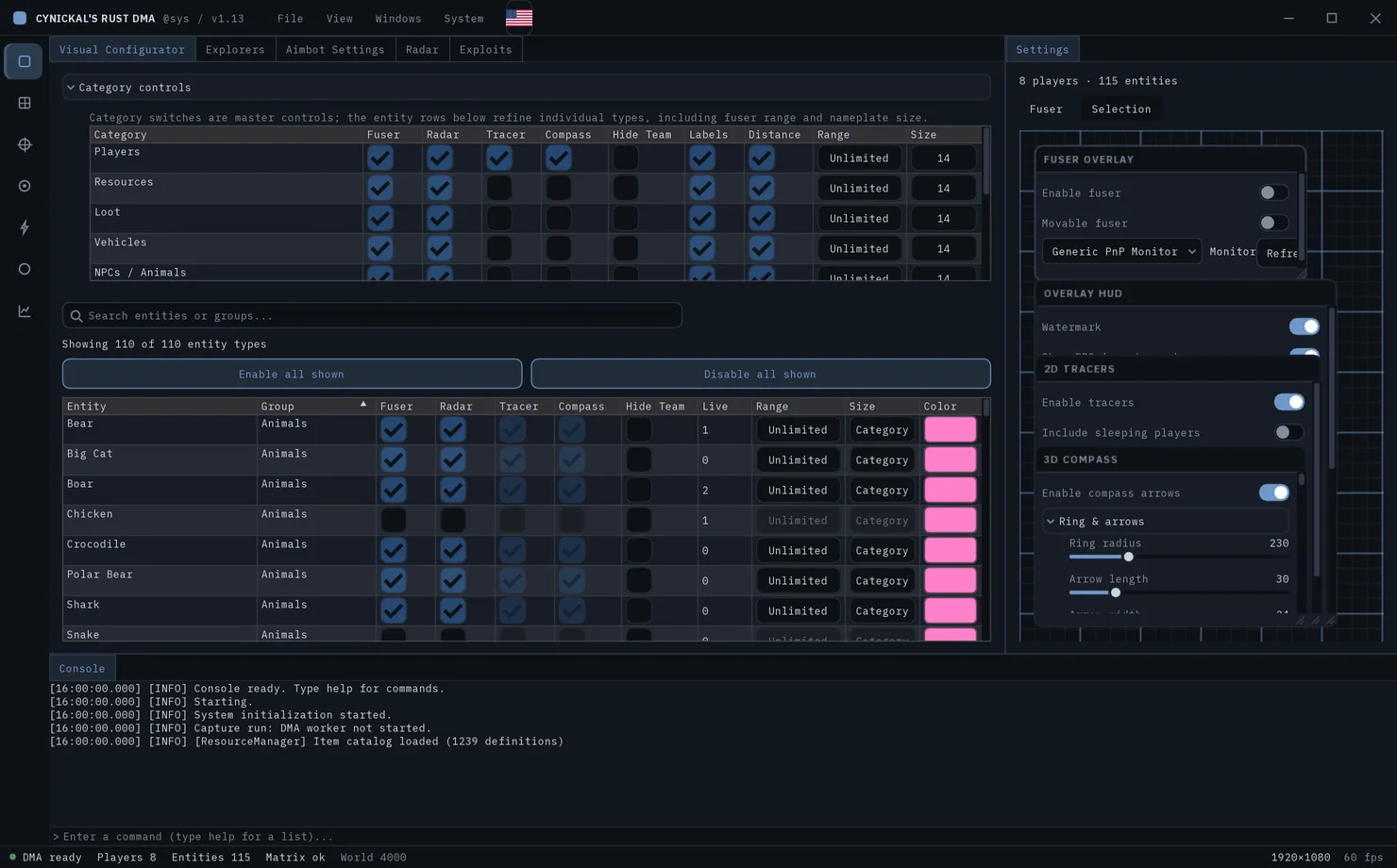
CyNickal Rust DMA feature guide
FUSER OVERLAY
Elf Objektgruppen mit eigenen Einstellungen für Overlay, Radar, Tracer, Kompass, Reichweite und Farbe
Player names, distance, skeletons, hotbars, held items, team data, sleeper state, and prior-sighting badge
Resources, loot, vehicles, NPCs, animals, dropped items, structures, traps, projectiles, foliage, and other actors
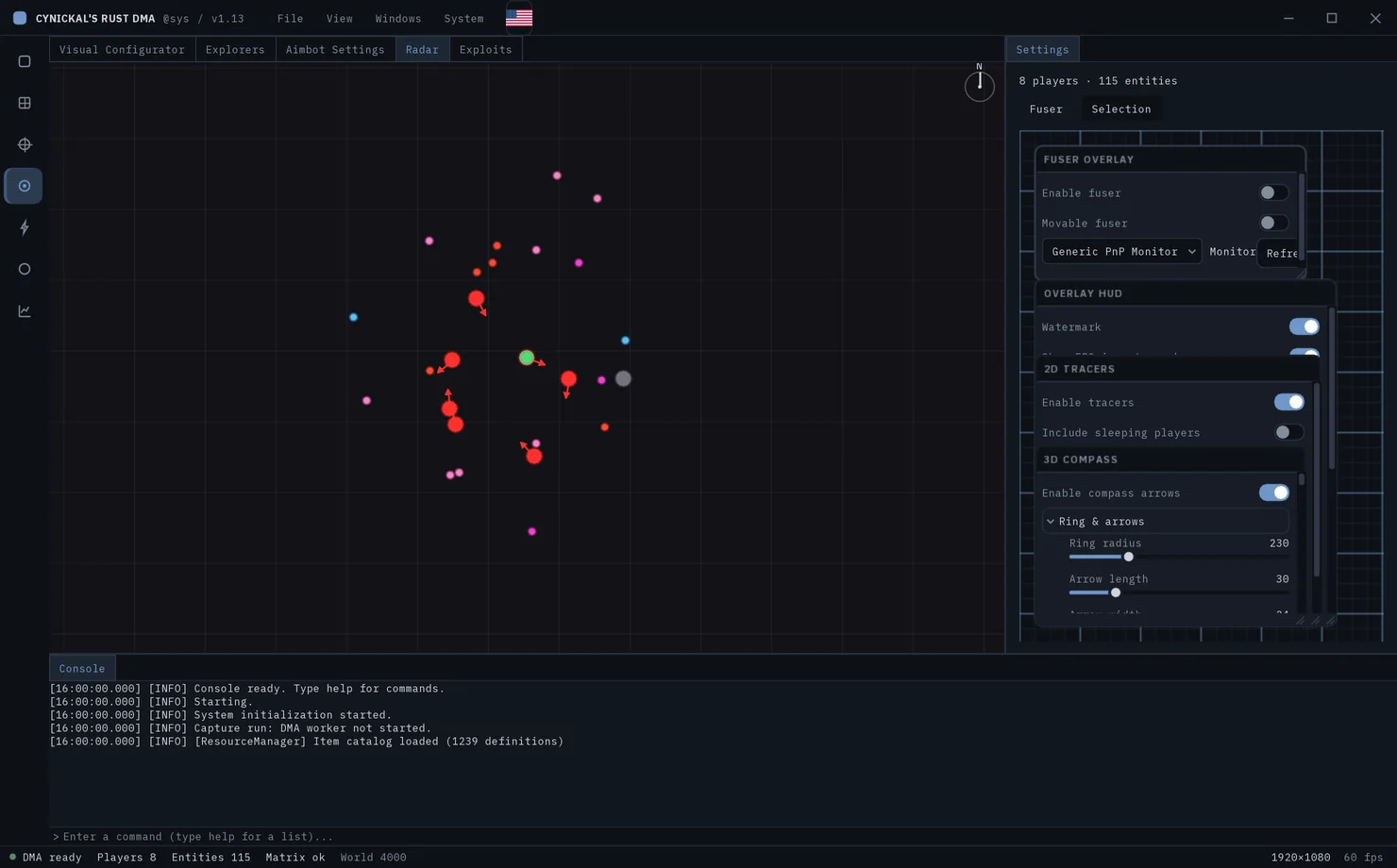
RADAR AND HISTORY
Am rustmaps ausgerichtetes Radar mit aktuellem Seed, Größe und Server-Identität
Sightings archive with encounter clusters, inferred teammates, cached ghosts, and configurable retention
Compass, off-screen arrows, and aiming-at-you warning
BALLISTIC TRAINING
Hardware- oder Memory-Eingabe, Motorprofile, Vorhalt, Fall, Katalog der gehaltenen Waffen und F1-Granatenwurf
Aim and input bindings can listen on the overlay PC, game PC, or both
EXTRAS AND SYSTEM
Optionale Einstellungen für Recoil, Sway, Streuung, Umgebung und hervorgehobene Modelle, hinter einem klaren Schalter für Speicher-Schreibzugriffe
Eleven live entity explorers, four languages, named configs, patch updates, and persistent history
Blurred Rust DMA feature guide
AIMBOT
Nur lesender Aimbot: einfach und stark anpassbar, über dein Aim-Gerät
Recoil control: read-only, like a supercharged recoil script
Raycast vischeck: per-bone visibility to only target what you can see
ESP
Player and NPC ESP: skeleton, name, weapon and more
Spieler-Gürtel-ESP: sieh, was der Spieler nahe deinem Fadenkreuz dabeihat
Object ESP: scan and whitelist any object
Dropped item ESP: filter any item and see it through walls
TOOLS
Fortify-Export: speichere Basen in der Nähe in einer Datei, die du in Fortify öffnest
Web-Radar: teile dein ESP auf einer Webseite mit deinem Team
Auto updater: no downtime for most updates, ready every wipe
WEB TOOLS
Web Menu: change every setting from any device with a browser
Cloud Configs: share your setup or download community configs
Radar Settings: Name, Distance, Height, Icon Style, Scale, Colors, Max Distance, Max Height
AIMBOT
Player Targeting
Scientist Targeting
Injured / Downed Targeting
Sleeper Targeting
Bradley Targeting
Hubschrauber-Zielerfassung (mit Schwachstellen)
Aim-Taste
Bone Selection (incl. Best-Visible Bone)
FOV
Target Priority
Target Switch Smoothing
Sticky Aim (ignore FOV / visibility)
SMOOTHING AND PREDICTION
X / Y Control
Smoothing Types
Projectile Smoothing
Movement Prediction
Sample Size Tuning
Prediction Modifier
Local Player Prediction
Teleport / Velocity Sanity Guards
HARDWARE SUPPORT
KMBox Support (B+ / Net)
Network / COM Configuration
Ferrum Support
MAKCU Support
Auto Connect Support
Auto-Calibrate Sensitivity
WEAPON FEATURES
No Recoil (lesen & schreiben)
Recoil Scaling
Recoil Disable Key
No Sway
Sway Control
No Aim Cone
Aim Cone Control
No Spread (all weapons)
Instant Eoka
Skip Eoka Animation (Nospark)
Eoka / Shotgun One-Point Pellets
Instant Compound Bow
VISUAL FEATURES
FOV Changer
Zoom (key + amount)
Anti-Flashbang
ADS / Clothing Blocker
Custom Crosshair (+ smart enemy flash)
Custom Drop-In ESP Font
HUD Color Customization
Menu Scale + GUI Position Controls
ENVIRONMENT / SKY
Fullbright
Bright Night
Bright Cave (adjustable intensity)
Clear Water Vision
No Fog
Hide Layers: No Trees, No Foliage, See-Through Walls, See-Through Terrain
Always Day
Always Night
Change Server Time
Sky Control: Custom Day Sky Color, Custom Night Sky Color, Sky Brightness, Stars (size / brightness / color)
WATERMARK / HUD
Animated Watermark Info Pill (toggle each): Logo, FPS, Game Time, Grid Coordinate, Player Count, Server Time, Username, Compass
Target Hotbar HUD
Target Team HUD
Target Clothes HUD
World HUD
Icon Mode (hotbar / clothes / ESP)
MISC / MOVEMENT
Spiderman (climb walls)
OmniSprint (always 5.5 m/s)
Speed Control (ground-only option)
No Fall Damage (anti admin-test)
Mounted Long Neck
Auto Loot
Skin Changer
PhysX Visibility Checks (local physics engine)
Bone Visibility Checks
Penetrable Cover Classification
Interactive Debug Camera (+ freeze)
Battlemode Toggle + Indicator
Arcane Rust feature guide
AIMBOT
Aimbot type
Ziel
Mode
Bone selection
Bones
Vorhersage
Draw FOV Border
Draw FOV Background
Draw FOV Target
FOV Radius
PLAYER ESP
Bounding Box
Fill box
View line
Line to enemy
Draw teams
Draw bots
Draw knockeds
Draw sleeping
Nickname
Weapon in hands
INVENTORY
Style position
Draw count
Draw rarity
Draw fast slots
Draw cloth slots
OBJECT ESP
Resource
Eat
Animals
Vehicles
Chests
Corpse
Traps
Startseite
World objects
Middle ages
WAYPOINTS
Create waypoint
Draw name
Draw distance
Enable compass
FRIENDS & ENTITIES
Teamcheck game party
Add friend
Add enemy
MISC
Battle mode
Kein Rückstoß
No sway
No spread
Spiderman
Sofortige Eoka
Force automatic
Fullbright
SHOOT ANYWHERE
FOV changer
Super zoom scope
Thick bullet
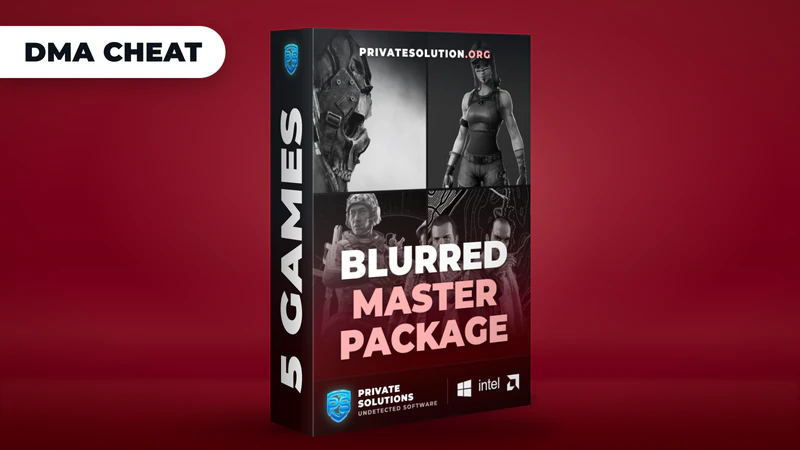
Blurred Master Package feature guide
INCLUDED
Call of Duty: MW4, Warzone, BO7, BO6, MW3 and MW2
ARC Raiders
Fortnite
Rust
GTA V & FiveM
EVERY GAME GETS
Aimbot and triggerbot: in every game
Player and loot ESP: see players and loot through walls
Web radar: share your ESP on a web page
Full feature set: each game keeps everything it has on its own
WEB TOOLS
Web Menu: change every setting from any device with a browser
Cloud Configs: share your setup or download community configs
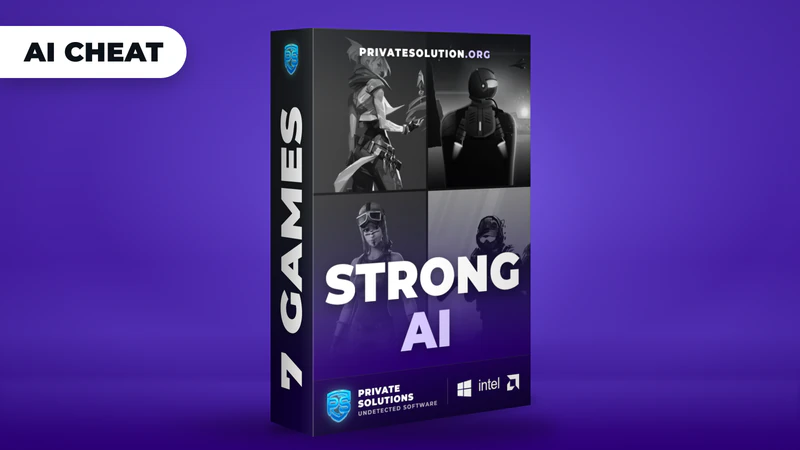
STRONG AI feature guide
AIMBOT
AI confidence: locks on only when it is sure enough
Target priority: sticky, closest or most sure
Prefer head: aims at the head when it can see one
Long range: looks harder at far targets (improved in the November update)
Aim point: head, neck, body or a custom spot
FOV: separate width and height
Initial movement delay: a short wait when a target first appears
MOVEMENT
Humanized aim: smooth, with separate X and Y speed
Dynamic speed: fast far away, slow up close
WindMouse: gravity and wind for natural paths
Bezier paths: curved moves instead of straight steps
Prediction: aims ahead of moving targets
Deadzone: holds still when already on target
Jitter: a small random shake
ABCurves: learns your mouse and shapes the aim path (Medius firmware only)
ADS scale: adjusts while the right mouse button is held
TRIGGERBOT
AI confidence: shoots only when it is sure enough
Accurate mode: fires only on the aim point
Fire modes: one-tap, tap with a count and gap, or a 3-click burst
Timing: delay before the first shot and max clicks per second
SETTINGS
Cloud configs: ready profiles inside STRONG AI
Community configs: share your config and use other people's
Profiles: create, save, import, export and load on start
Mouse binds: aimbot, triggerbot and masking on the middle or side buttons
Model quality: heavy, medium or low to match your second PC
CUDA: faster on 10 to 40 series NVIDIA cards, set up inside the menu
WEB MENU
Opens in any browser on your home network, phones included
QR code: scan it to open the menu on your phone
Pages: Capture, Aim, Trigger, Settings and ABCurves
Show screen: check the picture the second PC gets
Test move: checks that the board moves your mouse
CAPTURE
OBS plugin: streams your screen to the second PC, encrypted for each user
OBS plugin setup: picks the profile, adds Game Capture and sets the crop for your screen by itself
Capture card: works instead of OBS
Gaming PC: runs only OBS, or nothing with a capture card
SUPPORTED GAMES
Fortnite
Apex Legends
Counter-Strike 2
Rainbow Six Siege
The Finals
Rust
Valorant
Every other game (All-in-One model)
BellTower Pro Package feature guide
PACKAGE BENEFITS
Access to all current Internal products
Access to future Internal product releases
Multiple products in one package
No need to purchase individual products separately
One subscription for the complete Internal lineup
GAMES IN THE PACKAGE
Rob Run
Wardogs
ARC Raiders
The Isle
Rust
Gray Zone Warfare
Aniimo
ARK: Survival Ascended
ARK: Survival Evolved
Arma Reforger
Beasts of Bermuda
Conan Exiles
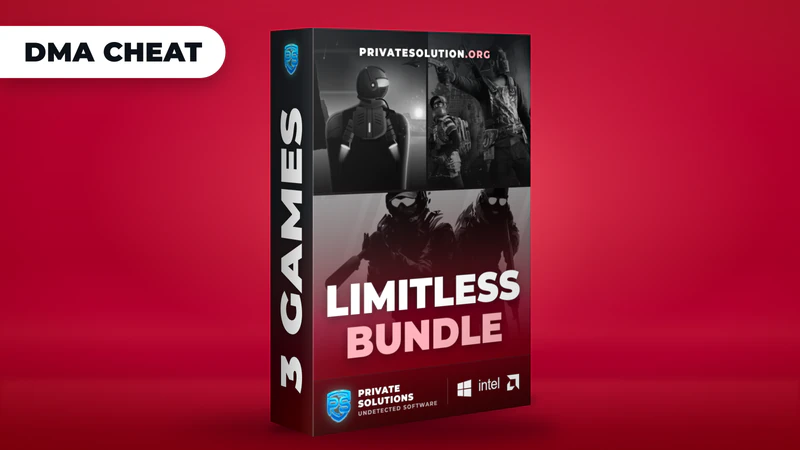
Limitless Bundle DMA feature guide
INCLUDED ACCESS
Rust DMA
Apex Legends DMA
Counter-Strike 2 DMA
Other eligible DMA releases
ACCOUNT AND DELIVERY
One account-bound subscription
Updates during the active term
Loader delivery from the Account Center
Live availability shown before checkout
Fragen zu Rust cheats
Brauche ich eine DMA-Karte für Rust?
Nicht für BellTower Rust (ab $1.99) oder Arcane Rust (ab $6), die auf deinem Gaming-PC laufen. Pure, CyNickal, Blurred und Limitless sind DMA-Tools und brauchen eine DMA-Karte mit Firmware und einen zweiten PC.
Funktioniert es mit der Rust Console Edition (PS5 oder Xbox)?
Nein. Jedes Rust Produkt, das wir verkaufen, ist nur für Rust auf Windows-PCs.
Welche DMA-Firmware brauche ich für Rust?
Rust nutzt Easy Anti-Cheat. Dafür gemachte DMA-Firmware: Elite und höher.
Wie bekomme ich meinen Key?
Zahle im Checkout per Karte oder Krypto. Dein Key kommt per E-Mail, und wir helfen dir auf Discord bei der Einrichtung.
Sind die Rust Produkte hier unentdeckt?
Ja, soweit die Anbieter wissen. Jedes Produkt wird nur verkauft, solange sein Anbieter es als unentdeckt und funktionsfähig meldet. Findet ein Anbieter eine Erkennung, pausiert er das Produkt, wir markieren es auf unserer Statusseite als „Update läuft“ und verkaufen es nicht, bis es repariert ist. Kein Cheat ist risikofrei, also prüfe den Status, bevor du spielst.
Ist ein Rust Script oder Userscript die richtige Lösung?
DMA-Produkte brauchen die Hardware und die Begleit-Einrichtung, die auf der Produktseite stehen; es sind keine Scripts, die man in den Browser einfügt. PC-Software hat ihren eigenen Installer und eigene Voraussetzungen. Folge der Einrichtungsanleitung des gewählten Anbieters. Ein Tampermonkey-Script, ein GitHub-Download oder ein Script für ein anderes Spiel aktiviert die hier gelisteten Produkte nicht.
Ist bei der Lizenz ein Rust Spiel-Bot dabei?
Begriffe wie Aimbot oder Aim-Assist bedeuten kein unbeaufsichtigtes Spielen, Farmen, Account-Leveling oder einen autonomen Spiel-Bot. Kaufe für die Funktionen, die auf der gewählten Produktseite ausdrücklich stehen. Diese Vergleichsseite enthält keinen Währungsgenerator, kein Account-Inbox-Script und keinen universellen Cheat-Code.
Wie kaufe ich Rust Software und bekomme Hilfe bei der Einrichtung?
Wähle ein Produkt und eine Laufzeit, prüfe Live-Bestand und Status und nutze dann den Checkout. Preis und verfügbare Zahlungsarten siehst du vor dem Bezahlen. Deine Bestellung liefert den Key oder die nächsten Schritte. Nutze die Einrichtungsanleitung des Produkts und den Private Solutions Support für die Installation.