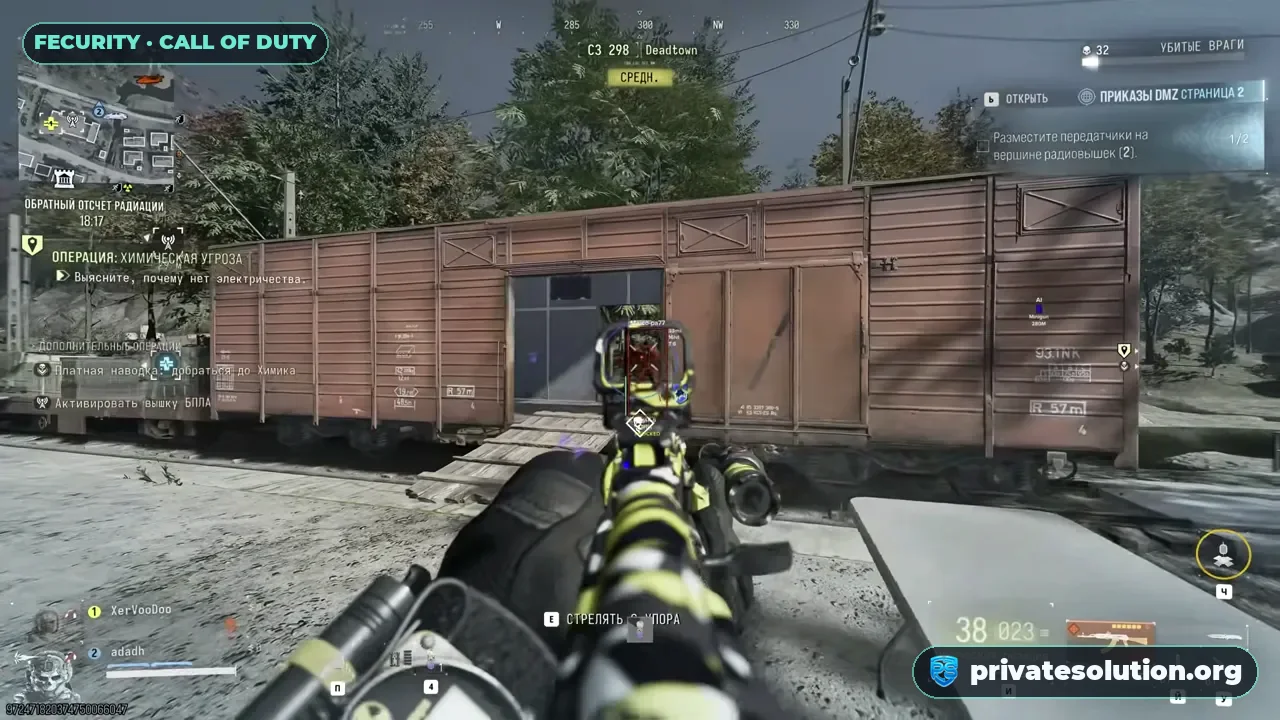
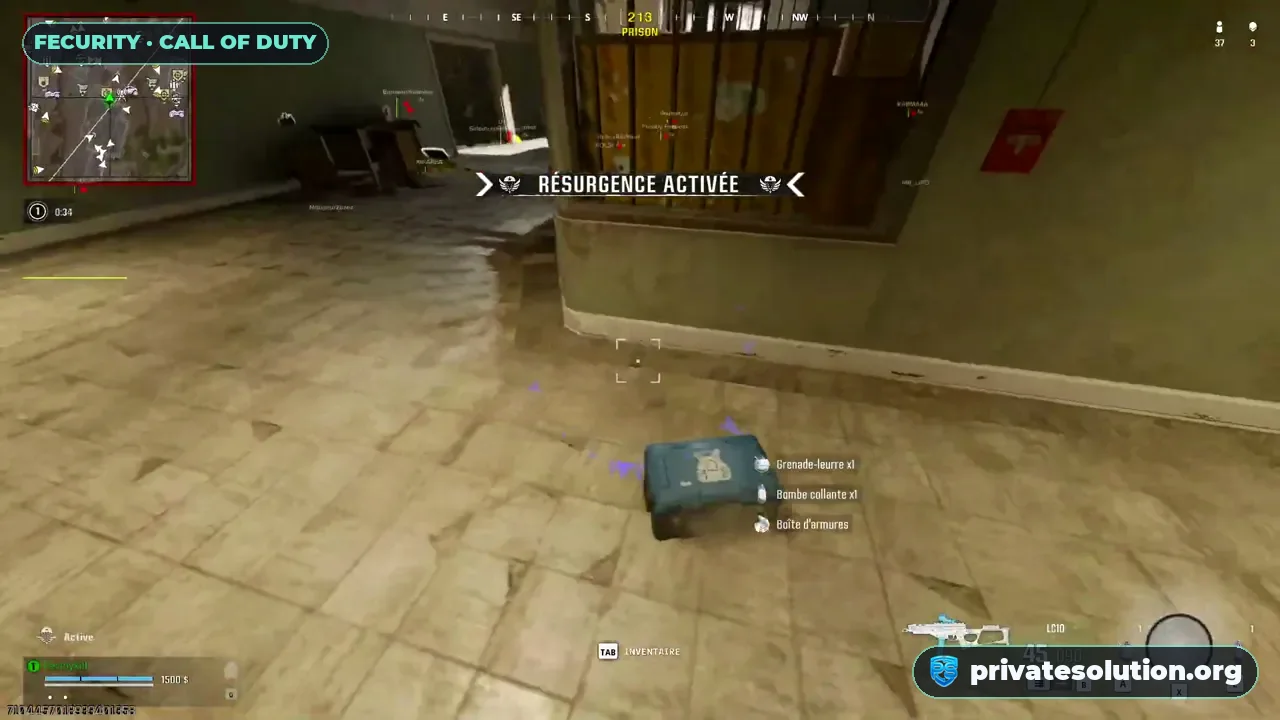
Call of Duty Cheats und Hacks für den PC: Warzone, Modern Warfare 4, Black Ops 7 & BO6
Vergleiche jedes Call of Duty PC-Produkt, das wir für Warzone, Modern Warfare 4 (MW4 & DMZ), Black Ops 7 (BO7) und Black Ops 6 (BO6) führen. Starte mit einem 1-Tage-Warzone-DMA-Key für $3.99 oder wähle DMA-Versionen für mehrere Titel von Poseidon (ab $7.99), DIRECT (ab $10), Zorvex (ab $14.99) und Blurred (ab $19.99).
1-Tage-Warzone- & Resurgence-DMA-Keys ab $3.99 (Private Solutions DMA)
Modern Warfare 4 Multiplayer- & DMZ-Versionen von Poseidon ($7.99) und Zorvex ($14.99)
COD-DMA für mehrere Spiele: MW4, Warzone, BO7, BO6, MW3 & MW2 mit einem Key (Blurred)
Black Ops 7 + MW4 mit Auto-UAV und SR-Statistiken aus Ranked (DIRECT)
Auch gesucht als: cod cheats pc, warzone cheats, mw4 cheats, black ops 7 cheats, bo7 dma, bo6 cheats, cod dma.
Den richtigen COD-Key für dein Spiel wählen (Warzone, MW4, BO7 oder BO6)
Du spielst Warzone oder Resurgence? Private Solutions Warzone DMA beginnt bei $3.99 für 1 Tag (1 Tag $3.99, 7 Tage $7.99 und 30 Tage $22.99), und Blurred COD DMA (ab $19.99) deckt Warzone sowie MW4, BO7, BO6, MW3 und MW2 auf Steam, Battle.net und Game Pass ab.
Du spielst Modern Warfare 4 oder Black Ops 7 im Multiplayer und in DMZ? Poseidon MW4 (ab $7.99) und Zorvex MW4 (ab $14.99) sind auf MW4 und DMZ-Bosse/Loot spezialisiert, während DIRECT Call of Duty DMA (ab $10) Black Ops 7 und MW4 unterstützt.
Arcane Warzone wird nach einem Spiel-Patch aktualisiert. Preise und Bestand können sich ändern; der Checkout zeigt vor dem Bezahlen immer den aktuellen Preis. Kein Cheat ist risikofrei, also prüfe den Status und frag uns auf Discord, bevor du kaufst. Produktstatus
Weitere Call of Duty Produkte
Alle anderen Call of Duty Produkte, die wir verkaufen, auch Pakete für mehrere Spiele. Jede Karte zeigt, wie das Produkt läuft und was es kostet.
Für die DMA-Tools: eine DMA-Karte mit Firmware in deinem Gaming-PC und ein zweiter PC mit Windows 10 oder 11, auf dem die Software läuft.
Ein Fuser, nur wenn du das Overlay auf deinem Spielbildschirm willst.
Ein MAKCU oder eine KMBox ist optional, für die Aim-Eingabe.
Für Fecurity Call of Duty: Läuft auf deinem Gaming-PC, keine DMA-Karte und kein zweiter PC nötig. Windows 10 oder 11.
Für Arcane Warzone: läuft auf deinem Gaming-PC, keine DMA-Karte und kein zweiter PC nötig. Windows 10 oder Windows 11 (64-Bit) mit einer Intel- oder AMD-CPU.
28 Waffen, jede mit eigenem Sichtfeld, Glättung, Reaktion, Zielwahl, Knochen und Geschossvorhersage
Follow held gun: switches to the profile of the gun in your hands the moment you pick it up
A class or gun without settings of its own uses Global, and starts as a copy of it when you give it its own
The aimbot and the triggerbot keep separate profiles
TRIGGERBOT
Fires the moment your crosshair is on a bone you picked
Its own key, field of view (0.5 to 15 degrees), bones and FOV circle
Delay before the shot (0 to 500 ms), how long each click is held and the cooldown between clicks
Pull onto target: steers onto the bone first, then fires, with its own smoothing
Visible only and skip teammates
Per class or per gun settings, like the aimbot
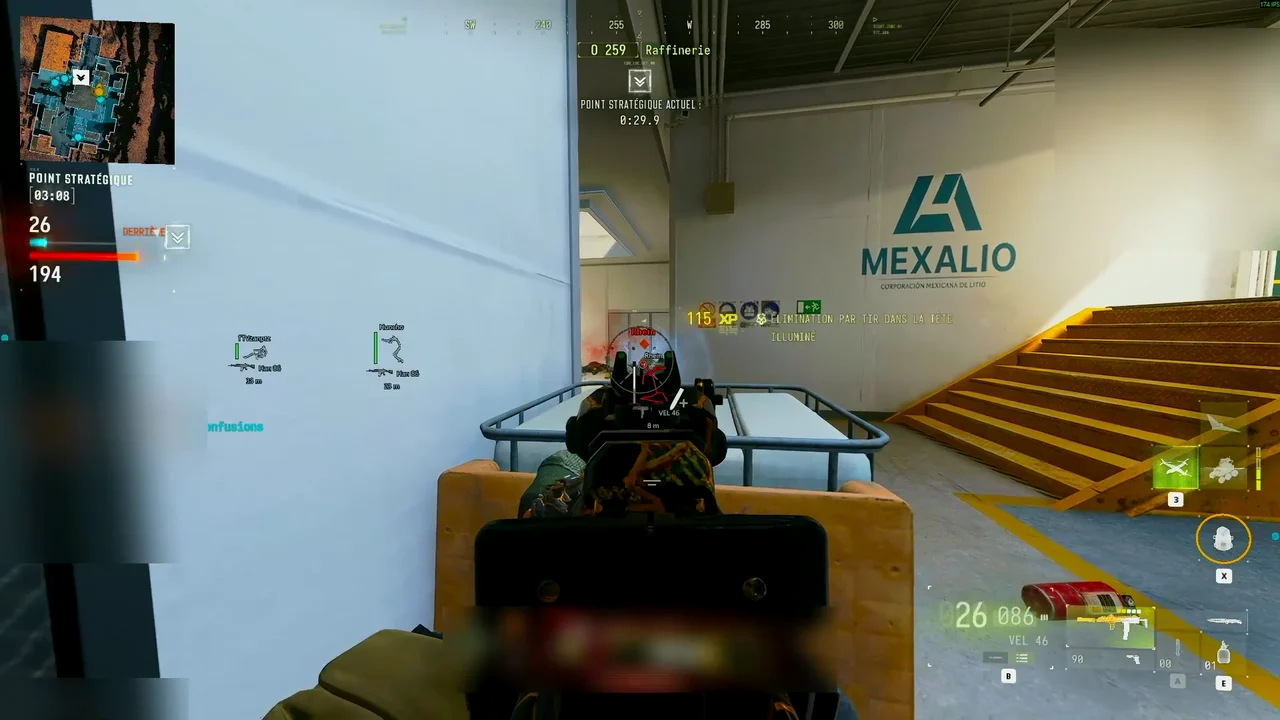
PLAYER ESP
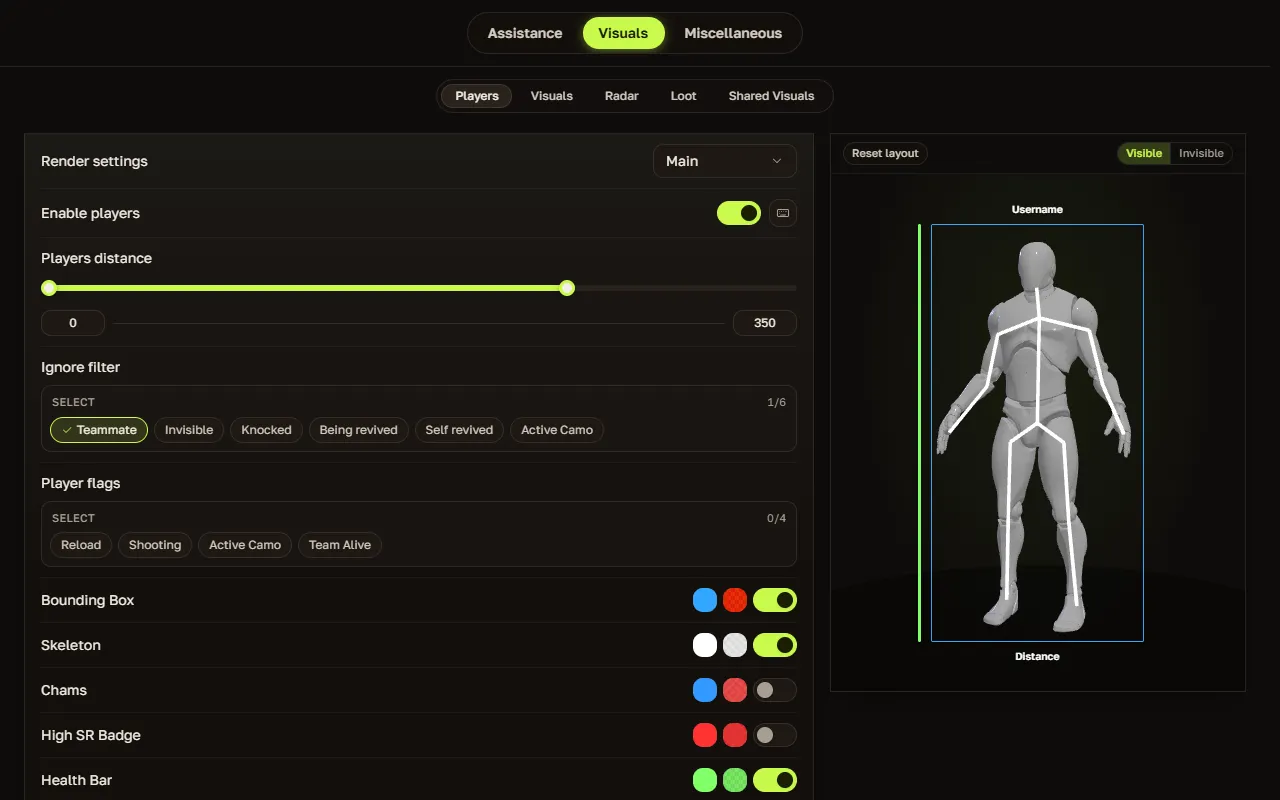
Box: full, corners or filled, with corner length, fill and thickness
Skeleton with adjustable thickness, and a head dot
Skeleton estimate: until the game builds a player's real skeleton (off screen, far away), a dimmed one is drawn from their stance and facing. The aimbot never uses it
Health bar: gradient or one colour
Name, distance in metres and the gun in their hands, as a name, an icon or both
KNOCKED, REVIVING or SELF-REVIVE while a player is down
One text size for all labels
Snap lines from the bottom, crosshair or top of the screen
View lines out of the head, the way each player is facing
Looking at you: an enemy facing you turns their box, view line and arrow your warning colour
Offscreen arrows around the crosshair, with adjustable size and distance
Separate settings, colours and range for each side
DMZ AI ESP
The AI in DMZ get their own tab: box, skeleton, head dot, distance, weapon, lines and offscreen arrows
In sight colour from the game's own line of sight, so a wall in the way shows
Looking at you warning when an AI turns toward you
Their own colours and range, separate from players
ITEM ESP
Dropped guns on the ground, named from the game's own weapon table, as a name, an icon or both
Lethal: frags, semtex, C4, claymores, mines and molotovs, drawn larger within 12 m
Tactical: flashes, smokes, gas, decoys, stims and heartbeat sensors
Gear: ammo and armor boxes, razor wire, trophies, drones and turrets
Killstreaks: supply drop markers and killstreak projectiles
Each kind in its own colour, out to 500 m, with name and distance
DMZ LOOT ESP
Containers that still hold something: lockers, toolboxes, duffels, cases and crates. Opened ones drop off
Supplies: grenades, mines, stims, smelling salts and defibrillators
Valuables: barter items like printer filament, circuit boards, zip ties, fuel and radios
Intel: vault keys, loot cards, binders and folders
Anything else that can be looted, named from its model
Each category in its own colour, out to 300 m
GAME RADAR
Markiert jeden Gegner auf der Minimap von MW4, auch die, die dir das Spiel nicht zeigt
A tick for where each enemy is looking, and rings on the edge for enemies past it
Enemies looking your way take the warning colour
Square or circle, turns with your view, range from 10 to 200 m
Drag the outline onto the minimap and pull its corner to size; your teammates' dots line up the range
WEB RADAR
Ein Live-Radar in jedem Browser, auf dem Handy oder einem zweiten Bildschirm, in deinem eigenen Netzwerk
Players with the way they face, health rings and above or below markers
Zoom from 50 to 500 m, free pan, rotate with your view, and view from any player
Player list sorted by distance, name or health
Password protection, start on launch, and page refresh from 30 to 240 Hz
Your own colours for enemies, teammates, range rings and background
PERFORMANCE & MISC
Frame rate and DMA latency readout, in any corner
Overlay crosshair: cross, dot or circle, with size, thickness and colour
Overlay frame cap and DMA read rate
Resync and reattach buttons for a frozen ESP or a restarted game
Panic key that hides everything until you press it again
Menu button on the overlay, drag it anywhere
Every key works from either PC
Hides Mouse 4 and Mouse 5 from the game, so the side buttons can be your aim or trigger keys
HARDWARE SUPPORT
MAKCU
KMBox Net
KMBox B Pro
Ferrum
Arduino (Xenmouse)
Find device and a test move to check your setup
All major DMA cards, RDMA included
Modern Warfare 4 multiplayer and DMZ. DMZ AI, item and loot ESP need the Steam version
CONFIGS
Named profiles: create, switch, save and delete
Settings save as you change them
The default profile cannot be deleted
Updates itself on launch
Blurred COD DMA feature guide
SUPPORTED GAMES
Modern Warfare 4
Warzone
Black Ops 7
Black Ops 6
Modern Warfare 3
Modern Warfare 2
Steam, Battle.net and Game Pass
AIMBOT
Anpassbarer Aimbot: von völlig humanisiert bis Rage einstellbar
Instant triggerbot: fires the moment your crosshair lands on an enemy
Recoil control: pulls your recoil down through your aim device
Raycast vischeck: per-bone visibility so aimbot and ESP only count what you can see
ESP
Gegner- und Team-ESP: Skelett, Name, Leben, Plattform und mehr
ESP Builder: lay out your own ESP with the elements, colors and flags you want
Loot-ESP: Waffen, Munition und Gegenstände durch Wände
UAV-Radar-Overlay: Spielerpositionen auf der Spielkarte über deinen Fuser
AWARENESS
Player list: everyone in your lobby, with tags that follow players across matches
Spectators list: see who is watching you play
Match alerts: incoming airstrikes, top 250 players and enemies looking at you
Web radar: puts your ESP on a page you can share with friends
Auto updater: no downtime for most game updates
WEB TOOLS
Web Menu: change every setting from any device with a browser
Cloud Configs: share your setup or download community configs
Arcane Warzone feature guide
AIMBOT
Aim type
Mode
Ziel
Find bone type
Bones selection
Bone priority
Vorhersage
Humanization
Rückstoßkontrolle
Draw FOV
PLAYER ESP
Bounding Box
Box fill
Skelett
View line
Line to enemy
Health bar
Schildbalken
Nicknames
Waffennamen
Team name
WEAPONS & CHESTS
Common
Uncommon
Rare
Epic
Legendary
OTHER ITEMS
Dropped items
Ammo
Rüstung
Equipment
Money
RADAR
Entities
Position settings
OFF-SCREEN ARROWS
Entities
Position and radius settings
BATTLE MODE
Hide players
Hide items
Hide world items
Hide radar
Hide off-screen
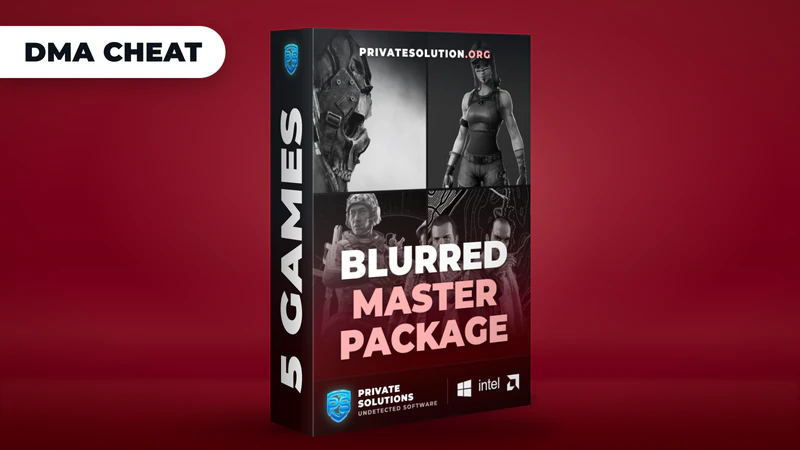
Blurred Master Package feature guide
INCLUDED
Call of Duty: MW4, Warzone, BO7, BO6, MW3 and MW2
ARC Raiders
Fortnite
Rust
GTA V & FiveM
EVERY GAME GETS
Aimbot and triggerbot: in every game
Player and loot ESP: see players and loot through walls
Web radar: share your ESP on a web page
Full feature set: each game keeps everything it has on its own
WEB TOOLS
Web Menu: change every setting from any device with a browser
Cloud Configs: share your setup or download community configs
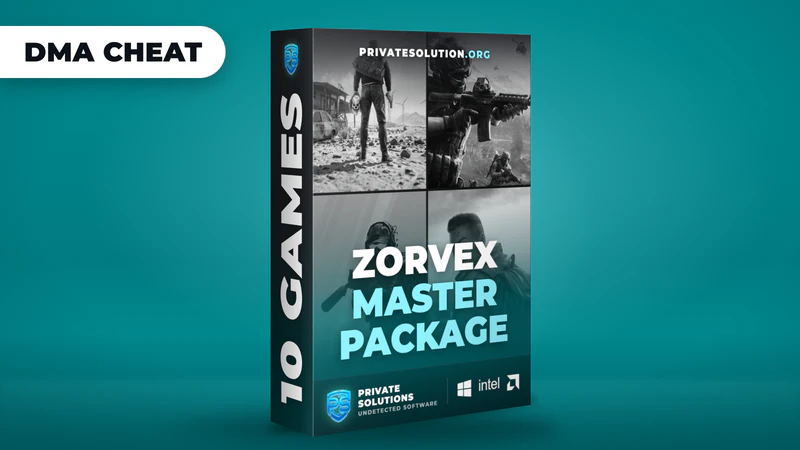
Zorvex Master Package feature guide
GAMES
Rob Run
Call of Duty MW4
Wardogs
Counter-Strike 2
H1Z1 (ROTK + ZEMU)
Blood Strike
Roblox
Deadlock
Unturned
DayZ
PUBG: Battlegrounds
INCLUDED
Every live Zorvex DMA on one key
Games Zorvex launches while your key runs are added at no extra cost
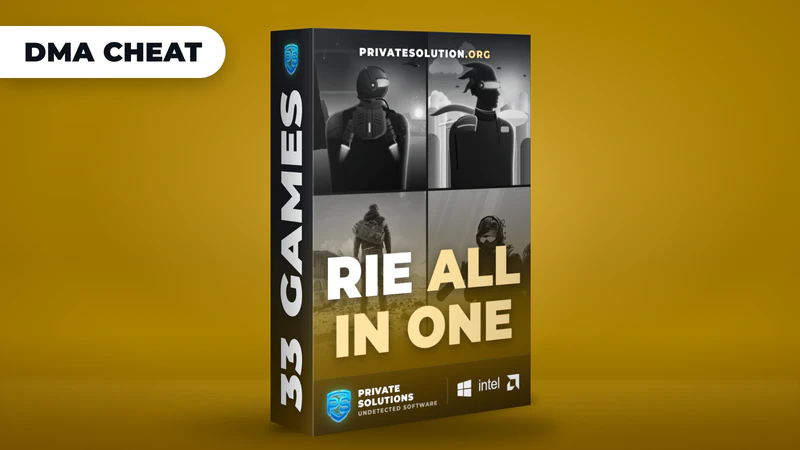
Rie Call of Duty feature guide
Aimbot
Enable Aimbot
Aim-Taste
Zweite Aim-Taste
Force Head Aim Key
Dynamischer FOV
Team-Check
Sichtbarkeits-Check
Hitbox-Auswahl
Nächster Bone
Aimbot-Glättung
Aimbot Sleep
Aimbot Locking Time
Trigger
Triggerbot aktiviert
Triggerbot-Taste
Magnet-Triggerbot-FOV
Magnet-Triggerbot-Schusszeit
Magnet Triggerbot Interval
Magnet-Triggerbot aktiviert
Trigger-Hitbox-Skalierung
Draw Triggerbot Hitbox Debug
Visuals
2D-Box zeichnen
Farbe der 2D-Box (nicht sichtbar)
Farbe der 2D-Box (sichtbar)
Linienstärke der Box
2D-Eckenbox
Bones zeichnen
Skeleton-Farbe (nicht sichtbar)
Skeleton-Farbe (sichtbar)
Skeleton-Linienstärke
Skeleton Max Distance
Team-Check
Namen zeichnen
Radar / OOF
Draw Indicator Arrow (OOF)
Indicator Gradient Arrow Size
Indicator Circle Radius
Indicator Arrow Size
Indicator Max Distance
Enable Radar
Radar Size
Icon Size
Radar FOV Line
Radar Max Scale
Radar Ratio
Show Player
Fragen zu Call of Duty cheats
Welcher Call of Duty DMA-Key funktioniert bei den meisten COD-Titeln?
Blurred COD DMA (7 Tage $19.99, 30 Tage $29.99, 90 Tage $79.99 und Lifetime $399.99) listet Modern Warfare 4, Warzone, Black Ops 7, Black Ops 6, Modern Warfare 3 und Modern Warfare 2 auf Steam, Battle.net und Game Pass.
Welche DMA-Firmware brauche ich für Ricochet?
Das Anti-Cheat Ricochet von Call of Duty funktioniert mit DMA-Firmware ab Basic aus unserem Firmware-Katalog (/learn/cod-ricochet-dma-firmware/).
Funktioniert es auf PS5 oder Xbox?
Nein. Jede Call of Duty und Warzone Option hier braucht die Windows-PC-Version (Steam, Battle.net oder Xbox-App für PC, je nach Version), aber Poseidon, DIRECT und controllerfähige DMA-Geräte unterstützen Controller auf dem PC.
Kann ich in Call of Duty oder Warzone gebannt werden?
Kein Cheat ist risikofrei, und das Ricochet-Team von Activision bannt Accounts, die Tools von Drittanbietern nutzen. Prüfe die Live-Statusseite und frag uns auf Discord, bevor du kaufst.
Wie bekomme ich meinen Key?
Zahle im Checkout per Karte oder Krypto. Dein Key kommt per E-Mail, und wir helfen dir auf Discord bei der Einrichtung.
Sind die Call of Duty Produkte hier unentdeckt?
Ja, soweit die Anbieter wissen. Jedes Produkt wird nur verkauft, solange sein Anbieter es als unentdeckt und funktionsfähig meldet. Findet ein Anbieter eine Erkennung, pausiert er das Produkt, wir markieren es auf unserer Statusseite als „Update läuft“ und verkaufen es nicht, bis es repariert ist. Kein Cheat ist risikofrei, also prüfe den Status, bevor du spielst.
Ist ein Call of Duty Script oder Userscript die richtige Lösung?
DMA-Produkte brauchen die Hardware und die Begleit-Einrichtung, die auf der Produktseite stehen; es sind keine Scripts, die man in den Browser einfügt. PC-Software hat ihren eigenen Installer und eigene Voraussetzungen. Folge der Einrichtungsanleitung des gewählten Anbieters. Ein Tampermonkey-Script, ein GitHub-Download oder ein Script für ein anderes Spiel aktiviert die hier gelisteten Produkte nicht.
Ist bei der Lizenz ein Call of Duty Spiel-Bot dabei?
Begriffe wie Aimbot oder Aim-Assist bedeuten kein unbeaufsichtigtes Spielen, Farmen, Account-Leveling oder einen autonomen Spiel-Bot. Kaufe für die Funktionen, die auf der gewählten Produktseite ausdrücklich stehen. Diese Vergleichsseite enthält keinen Währungsgenerator, kein Account-Inbox-Script und keinen universellen Cheat-Code.
Wie kaufe ich Call of Duty Software und bekomme Hilfe bei der Einrichtung?
Wähle ein Produkt und eine Laufzeit, prüfe Live-Bestand und Status und nutze dann den Checkout. Preis und verfügbare Zahlungsarten siehst du vor dem Bezahlen. Deine Bestellung liefert den Key oder die nächsten Schritte. Nutze die Einrichtungsanleitung des Produkts und den Private Solutions Support für die Installation.