
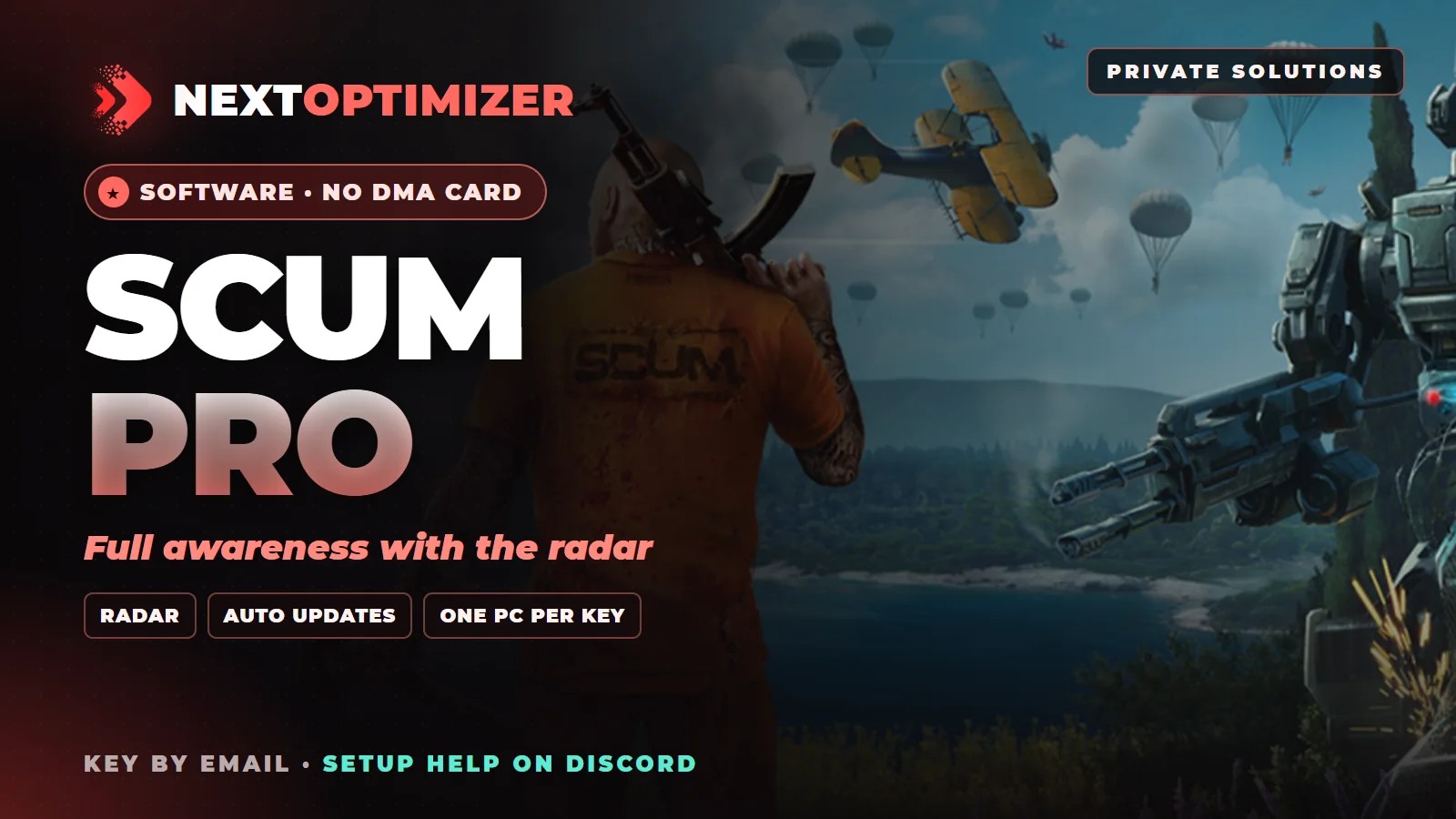
Cheats e hacks indetectáveis para SCUM
NextCheat SCUM
O NextCheat SCUM é um cheat indetectável para SCUM com 103 recursos, incluindo silent aim, magic bullet, loot ESP e lockpick helper. Ele roda no seu PC gamer, então você não precisa de placa DMA.
A NextCheat vende este produto na própria loja NextOptimizer, por isso o checkout e a sua chave mostram NextOptimizer SCUM Pro.
- A partir de $3.95
- 103 recursos
- Cartão ou cripto
- Não precisa de placa DMA
Recursos de aimbot e ESP para SCUM
O NextCheat SCUM tem 103 recursos: aimbot por memória e silent aim, magic bullet, ESP de jogadores, zumbis, veículos e loot, ajuda com lockpick e um radar. Com o controle de recoil, você não precisa de macro de recoil.
103 recursos em 5 categorias, segundo a lista oficial de recursos da NextCheat.
Aimbot & Weapon17 recursos
Aimbot 12
- Memory AimbotAdvanced memory-based aim assistance
- Silent AimRedirects fired bullets toward your target
- Magic BulletMoves bullets straight onto your target
- Aimbot Key ModesHold, toggle or always-on activation
- Aim BoneTarget specific body parts
- Targeting TypeClosest FOV or Closest Distance
- Aimbot FOVField of view for targeting
- Max Aimbot DistanceMaximum targeting range
- Smoothing FactorSmoothness of aim movement
- Visible OnlyOnly target enemies in line of sight
- Ignore TeammatesNever target squadmates
- Target TypesChoose players, zombies and/or NPCs as targets
Aimbot Visuals 3
- FOV CircleDraw the aimbot FOV with a custom color
- Target SnaplineLine from your weapon to the current target
- Traçantes de balaVisualize aimbot-assisted shots, custom color and thickness
Weapon Modifications 2
- Recoil ControlReduce or remove weapon recoil
- Spread ControlReduce or remove weapon spread
ESP & Visuals42 recursos
Players / Zombies / NPCs / Robots / Animals 16
- Admin TagFlags players in admin god mode (Player Only)
- Steam ID / UIDDisplay player identifiers (Player Only)
- Team IDShow each player's team (Player Only)
- NameDisplay entity names
- DistânciaShow distance to entities
- Item na mãoWeapon or item in hand (Players / NPCs)
- EsqueletoBone overlay for players, zombies and NPCs
- Box ESPCornered or Full Squared boxes
- Health BarHealth display (Zombie / Animal Only)
- Mostrar companheiros de equipeToggle ESP on squadmates with their own color
- Hide DeadHide dead bodies from ESP
- Visibility-Based ColorsESP color changes when a target is in line of sight
- Visible ColorColor for visible entities
- Invisible ColorColor for hidden entities
- Animal ESPSpecies name, distance and health for wildlife
- Custom Draw DistancePer-entity draw distance
Vehicles 8
- CarsToggle car ESP
- PlanesToggle plane ESP
- BikesToggle bike ESP
- BoatsToggle boat ESP
- NameDisplay vehicle names
- DistânciaShow distance to vehicles
- Per-Type ColorsSeparate colors for cars, planes, bikes and boats
- Custom Draw DistancePer-vehicle draw distance
Object ESP 13
- ArmasToggle weapon ESP
- AttachmentsToggle attachment ESP
- AmmoToggle ammo ESP
- TurretsToggle turret ESP
- ContainersToggle container ESP
- ClothesToggle clothing ESP
- EquipmentToggle equipment ESP
- FoodToggle food ESP
- MedsToggle medical items ESP
- DiversosToggle miscellaneous items ESP
- Item DistanceShow distance to items
- Per-Category ColorsSeparate color for each loot category
- Custom Draw DistancePer-item draw distance
Minigame ESP 5
- Lockpick HelperShows the lockpick sweet spot
- Mine Wire HelperShows which bomb wires to cut
- Bunker Lever HelperHints for bunker switchboard levers
- Bunker Keypad HelperReveals worn keypad keys
- Minigame Max DistanceDraw distance for minigame hints
Miscellaneous17 recursos
Visual Misc 11
- Full BrightMaximum game brightness
- WaypointsSave named locations and see them on screen
- CompassHeading bar with degrees at the top of the screen
- CrosshairCustom color, size, gap and thickness
- Player IndicatorShow player count on screen
- Zombie IndicatorShow zombie count on screen
- NPC IndicatorShow NPC count on screen
- Robot IndicatorShow robot count on screen
- Weapon Mode IndicatorDisplay current weapon mode
- Ammo IndicatorCurrent ammunition display
- Custom FOVModify field of view
Exploits 3
- Auto PicklockEvery lockpick attempt succeeds
- Force SprintAlways move at sprint pace
- Fast Stamina RegenerationStamina recovers almost instantly
Debug Camera 3
- Debug CameraDetached camera for scouting ahead
- Debug Camera SpeedCamera movement speed
- Debug Camera KeyKeybind for camera toggle
Radar15 recursos
Radar 15
- Show PlayersDisplay players on radar
- Show ZombiesDisplay zombies on radar
- Show NPCsDisplay NPCs on radar
- Squadmates HiddenFriendly players are kept off the radar
- Hide DeadHide dead entities from radar
- Desenhar distânciaDistance labels next to radar dots
- Draw Look DirectionShow entity facing direction
- Radar Background ColorCustomizable background
- Radar Crosshair ColorCenter crosshair color
- Radar SizeRadar window size
- Entity SizeSize of radar dots
- Max DistanceMaximum radar range
- Direction Line LengthLength of direction indicators
- Direction Line WidthThickness of direction lines
- Draggable RadarDrag the radar anywhere while the menu is open
Settings & Configuration12 recursos
Configurações 12
- Fully Configurable Load / Save SettingsComplete settings management
- Export / Import SettingsShare configurations via clipboard
- Show Info BarInformation display bar
- Show Loaded ConfigDisplay current configuration
- Multiple Languages SupportedEnglish, Chinese, Russian
- Configurable Menu Accent ColorCustom menu colors
- Configurable Menu Checkbox ColorCustom checkbox colors
- Custom ESP FontLoad your own font file for ESP text
- Stacked ESP TextOrganized, outlined text labels
- Combat Mode KeyHide loot, vehicle and robot ESP during fights
- Rebindable Menu KeyChange the menu hotkey
- Hotswap ConfigsLoad up to 5 configs by hotkey
Os recursos vêm da lista oficial da NextCheat e podem mudar com as atualizações.
Como funciona
Escolha o seu plano
Um dia para testar, ou 30 ou 90 dias para economizar.
Pague com cartão ou cripto
Cartão, Apple Pay, Google Pay ou cripto. PayPal passa por um ticket no Discord.
Receba sua chave por e-mail
Enviamos a sua chave NextOptimizer por e-mail depois que você paga.
Registre e jogue
Registre a chave no painel da NextCheat, baixe o software e inicie o seu jogo.
Perguntas sobre NextCheat SCUM
Quanto custa um aimbot para SCUM?
Os preços começam em $3.95. Escolha um plano nesta página e pague com cartão ou cripto.
O NextCheat SCUM é indetectável?
A NextCheat marca seus cheats como ativos e os atualiza depois de cada patch do jogo. Nenhum cheat é livre de riscos, então pergunte para a gente no Discord qual é o status mais recente antes de comprar.
Quais recursos o NextCheat SCUM tem?
103 recursos, incluindo silent aim, magic bullet, loot ESP e lockpick helper.
NextCheat SCUM precisa de um segundo PC?
Não. Ele roda no PC em que você joga, com Windows 10 ou 11 e uma CPU Intel ou AMD. Você não precisa de placa DMA nem de segundo PC.
Existe teste de 1 dia de NextCheat SCUM?
Não há teste grátis, mas você pode comprar 1 dia por $3.95 e testar antes de um plano mais longo.
NextCheat SCUM é o mesmo que NextOptimizer SCUM Pro?
A NextCheat vende o software na própria loja, a NextOptimizer, por isso a sua chave, o download e o nosso checkout mostram NextOptimizer. É o mesmo software.